
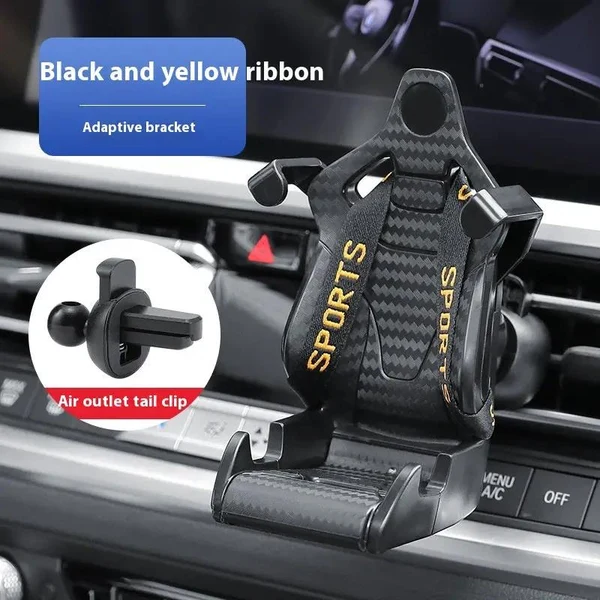
Racing Seat Shape Car Phone Holder for Air Vent, 360-Degree
£18.99 incl. VAT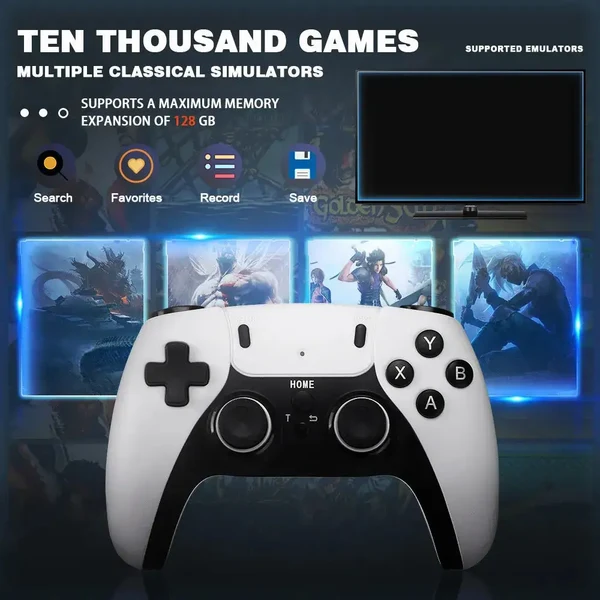
Gaming Controller
From £101.99 incl. VAT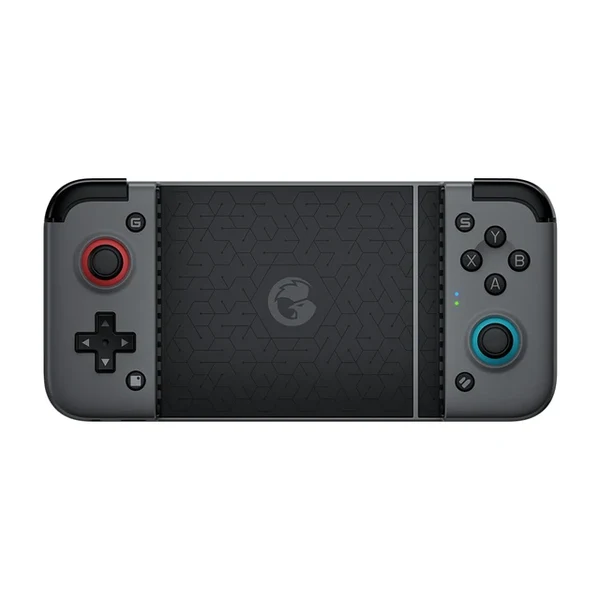
Mobile Gamepad for Cloud Gaming
£124.99 incl. VAT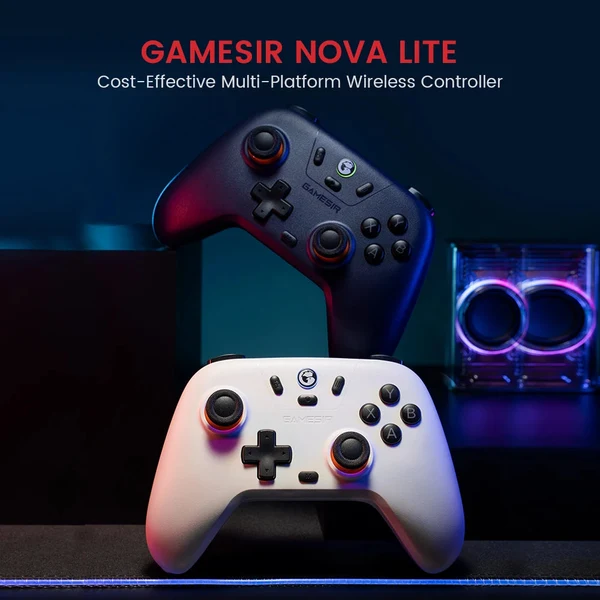
Gamepad GameSir T4 Nova Lite Wireless
From £75.99 incl. VATHow to choose
- Surface and switch feel: Cloth and felt desk mats give controlled mouse glide, while mechanical and tactile keyboards suit heavy typing and crisp inputs.
- Ergonomic adjustability: Look for lumbar support, adjustable armrests, and eye-level monitor stands to keep shoulders and wrists relaxed.
- Connection type: Wired USB peripherals keep latency steady without charging, while wireless keyboards, mice, and headsets reduce desk clutter.
- Match colour and finish to what you already own so anything new fits in.
- Rely on stated dimensions and descriptions rather than names, which vary between makers.
Frequently asked questions
What should I look at first when choosing game controllers?
When choosing game controllers, start with the job in hand, then size, then material and finish; that order rules out the wrong types quickly.
How do I match game controllers with what I already own?
To match game controllers with what you already own, keep one element constant, such as material, colour or finish, and let the others vary.
Should I buy game controllers as a set or singly?
A set of game controllers keeps everything matching; buying one at a time lets you mix materials and colours and add to what you have as you go.
Can game controllers handle everyday use?
Whether game controllers can handle daily use depends on material and construction; for frequent use, look for sturdy builds and finishes that are easy to care for.
How do the main types of game controllers differ?
Types of game controllers differ in shape, size, material and the job they are designed for, so compare them on those points rather than on the name alone.