
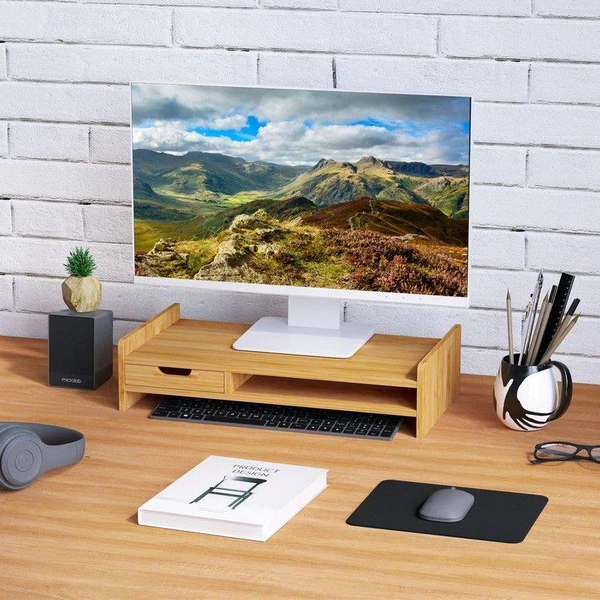
Bamboo Desktop Monitor Riser with Drawer
£79.99 incl. VAT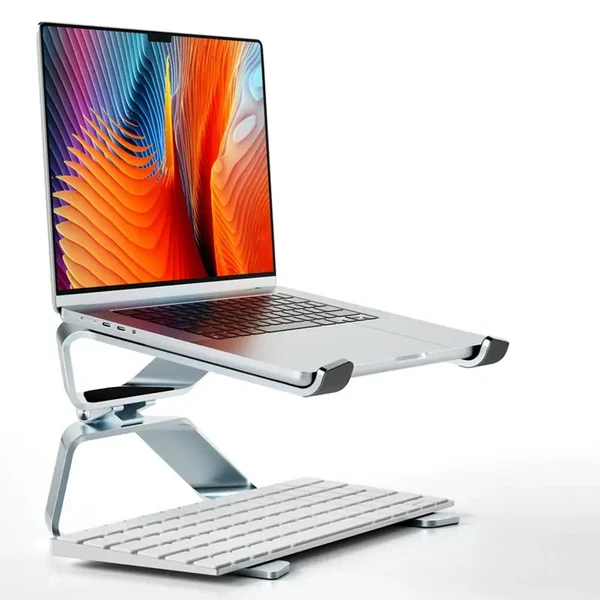
Adjustable Aluminium Alloy Laptop Stand, up to 17.3 in
£90.99 incl. VAT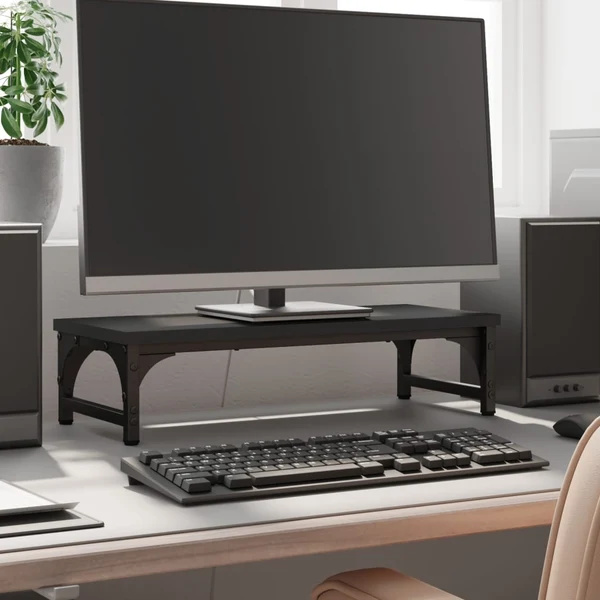
Black Engineered Wood Monitor Stand, 55 x 23 x 14 cm
£50.99 incl. VAT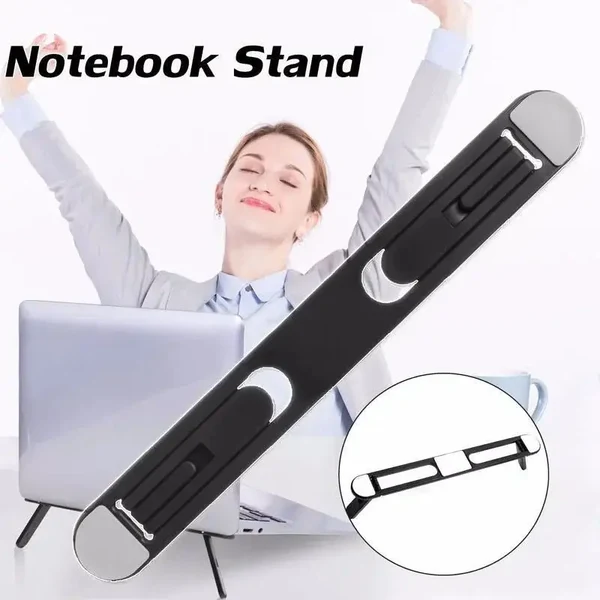
Foldable Laptop Stand for MacBook Pro and Air
£10.99 incl. VAT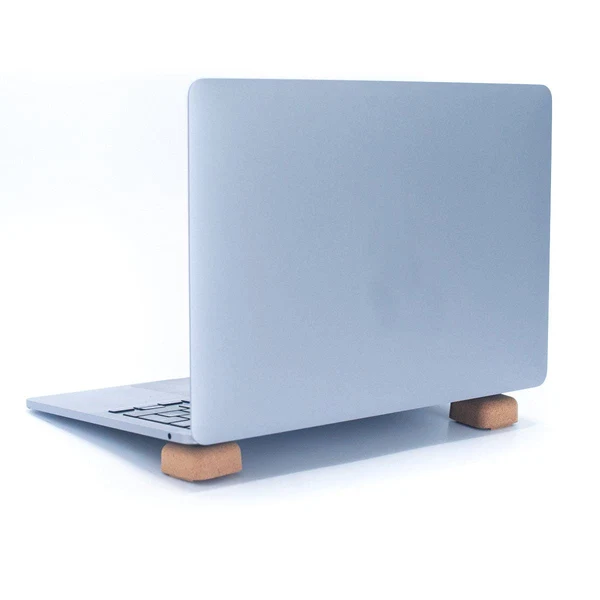
Laptop Stand with Magnetic Storage
£19.99 incl. VAT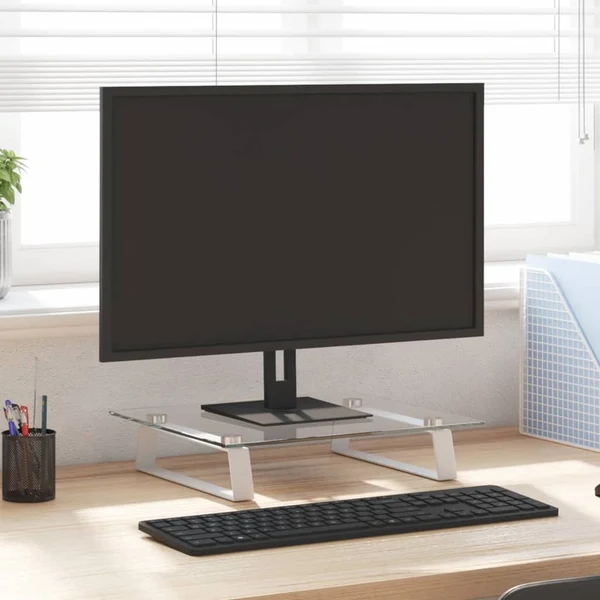
White Monitor Stand, 40 x 35 x 8 cm, Tempered Glass and Metal
£39.99 incl. VAT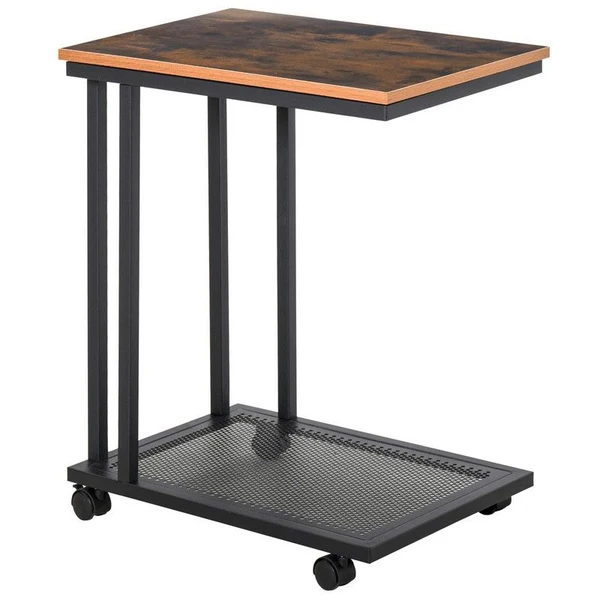
C-Shaped Side Table with Wheels and Storage Shelf
£100.99 incl. VAT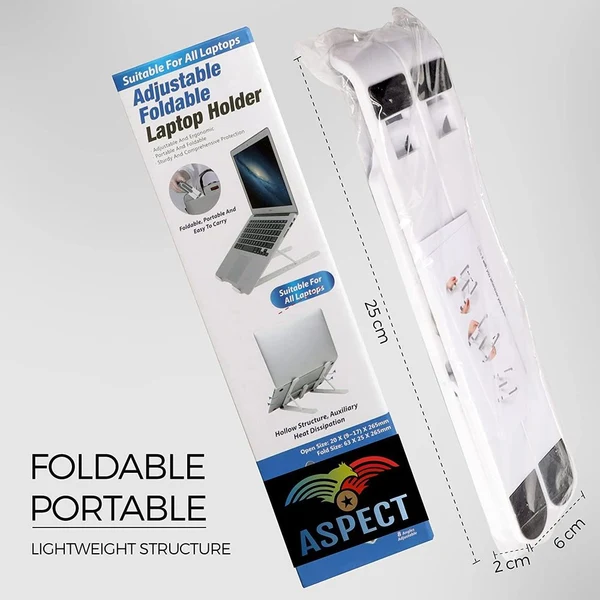
8-Angle Adjustable Foldable Laptop Holder
£23.99 incl. VAT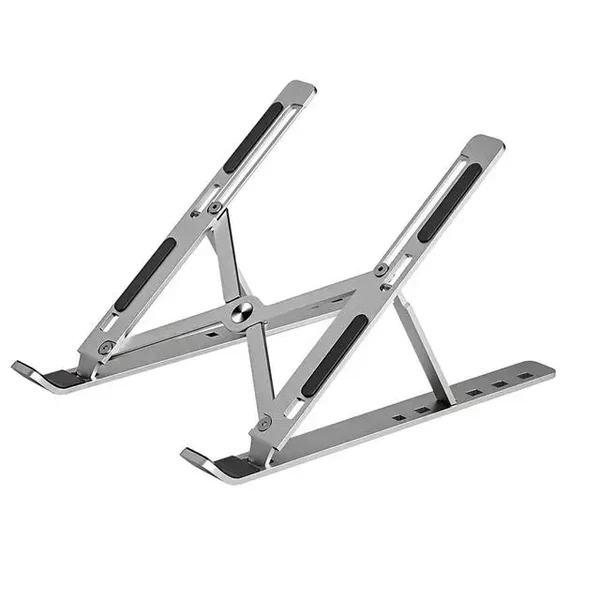
Portable Aluminium Laptop Stand with 6 Height Settings
£98.99 incl. VAT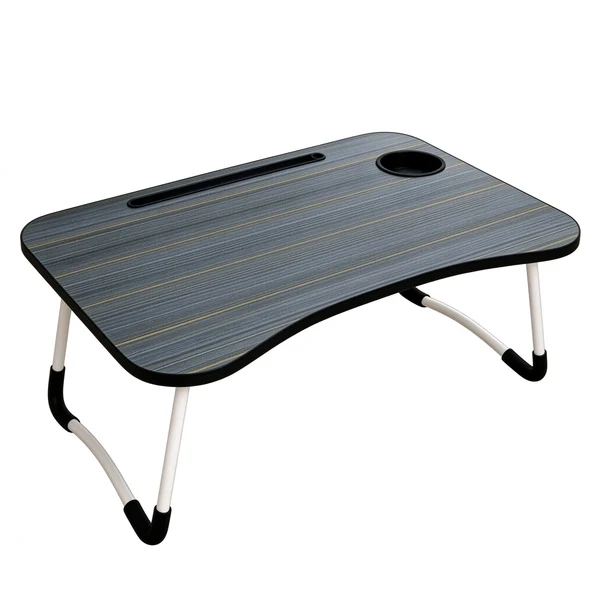
NNECN Portable Folding Laptop Bed Tray Table
£108.99 incl. VAT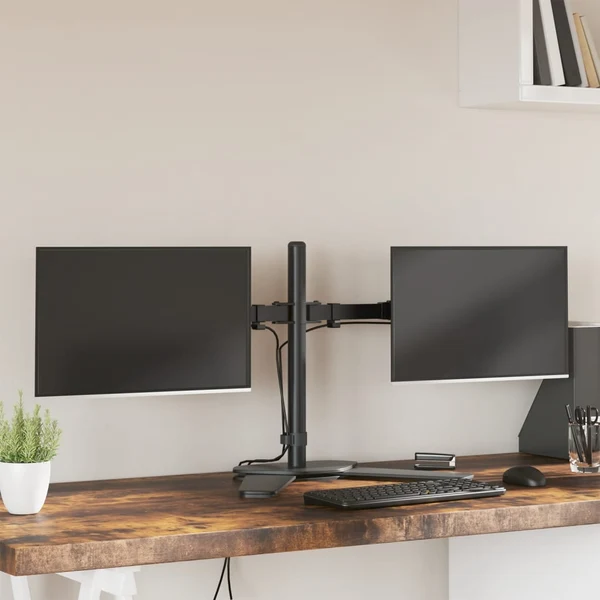
Dual Monitor Stand in Black Steel with VESA 75/100 mm
£73.99 incl. VAT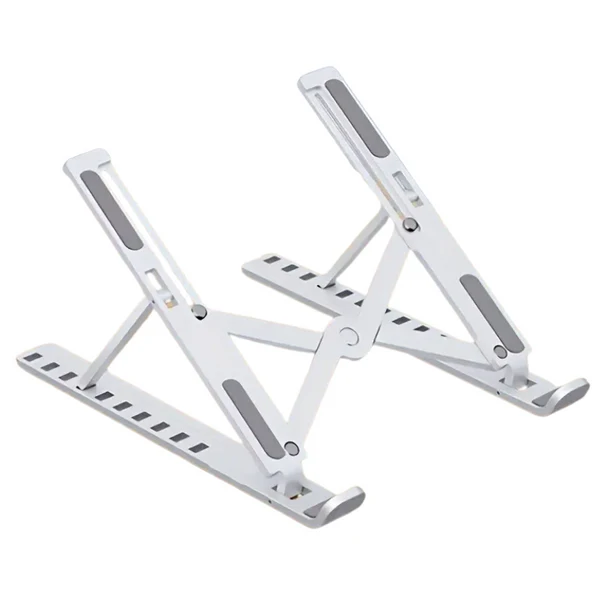
Adjustable Foldable Laptop Stand Desk Riser
£110.99 incl. VAT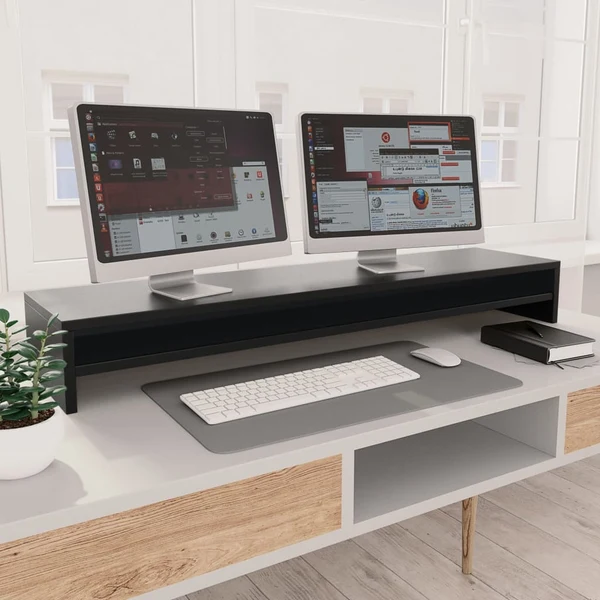
Black Engineered Wood Monitor Stand with Shelf, 100 x 24 x 13 cm
£68.99 incl. VAT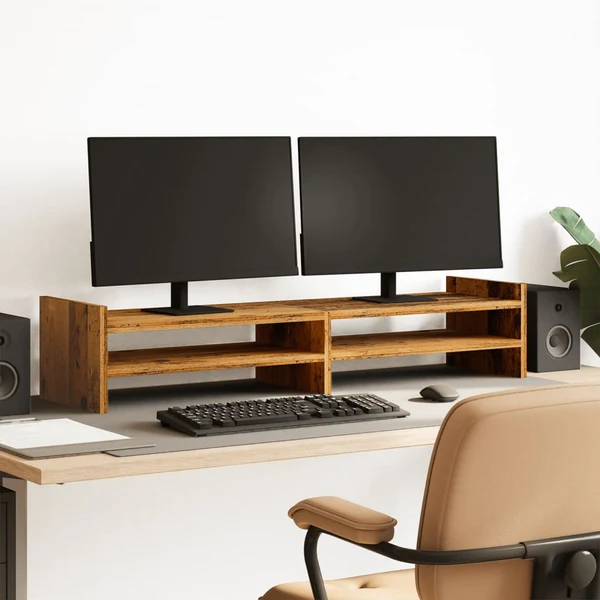
Old Wood Monitor Stand, Engineered Wood, 100 x 27 x 20 cm
£68.99 incl. VAT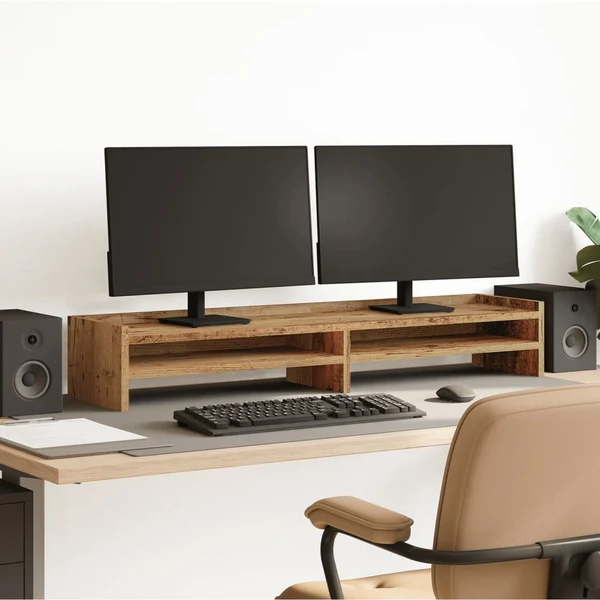
Monitor Stand in Old Wood, 100x24x16 cm
£60.99 incl. VAT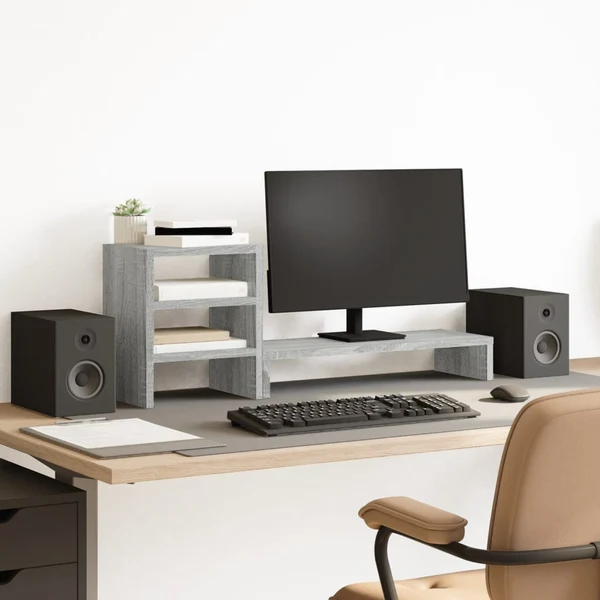
Monitor Stand with Desk Organiser, Grey Sonoma Engineered Wood
£47.99 incl. VAT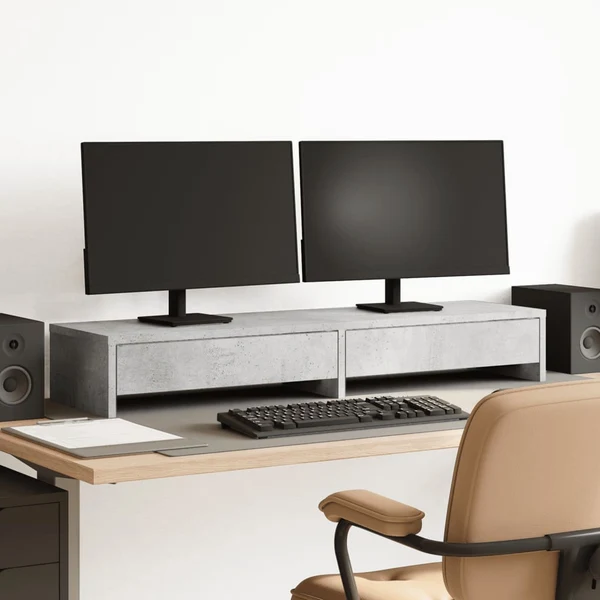
Concrete Grey Monitor Stand with 2 Drawers, 100 x 27 x 15 cm
£110.99 incl. VAT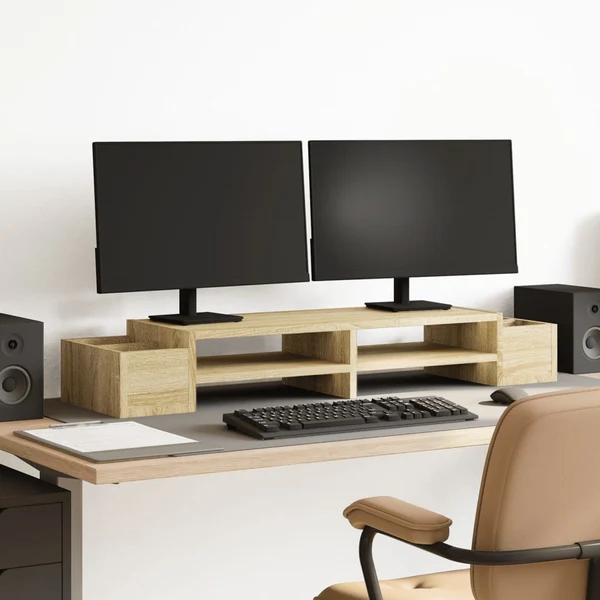
Sonoma Oak Monitor Stand with Storage, 100 x 27 x 15 cm
£60.99 incl. VAT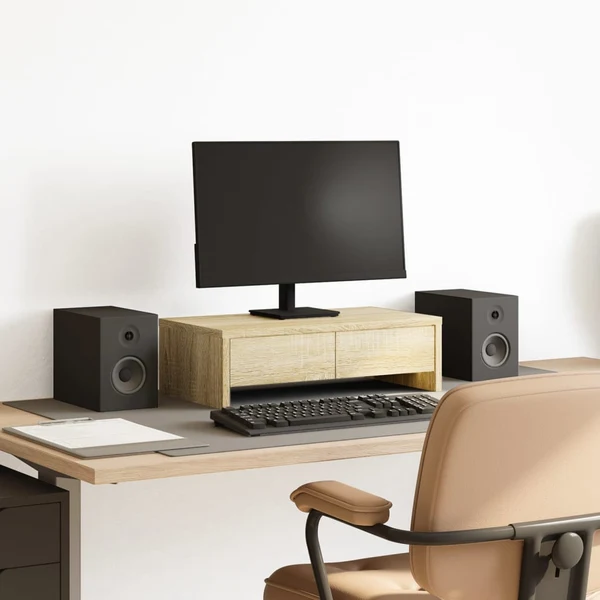
Sonoma Oak Monitor Stand with 2 Drawers, 50 x 27 x 15 cm
£73.99 incl. VAT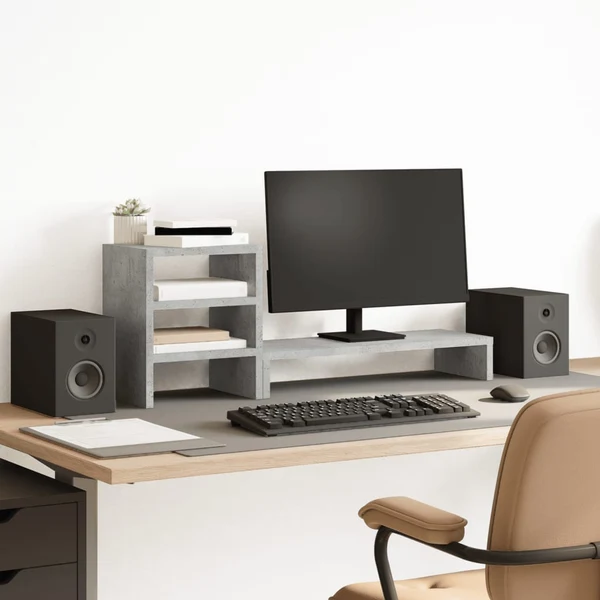
Concrete Grey Engineered Wood Monitor Stand with Desk Organiser
£47.99 incl. VAT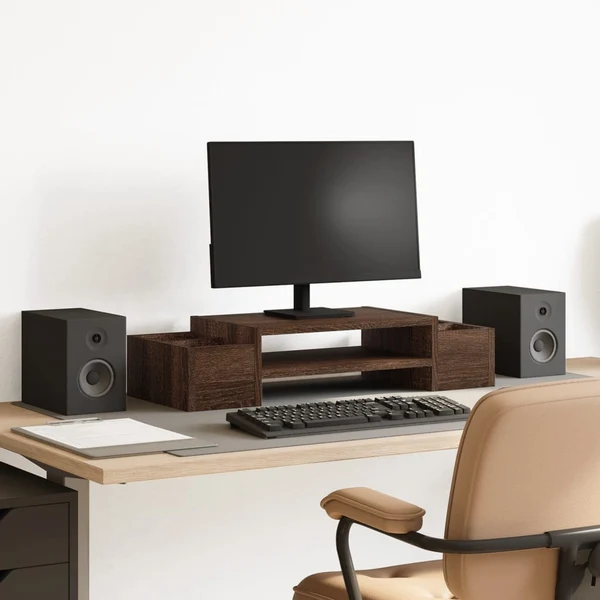
Brown Oak Monitor Stand with Storage, 70 x 27 x 15 cm
£65.99 incl. VAT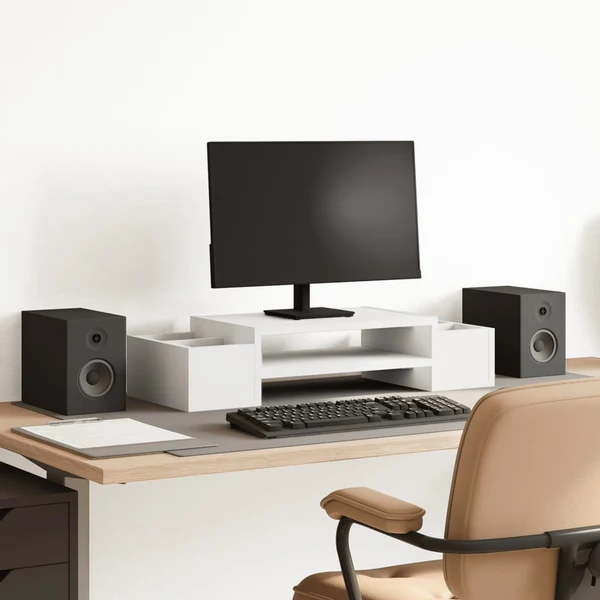
White Engineered Wood Monitor Stand with Storage, 70 x 27 x 15 cm
£52.99 incl. VAT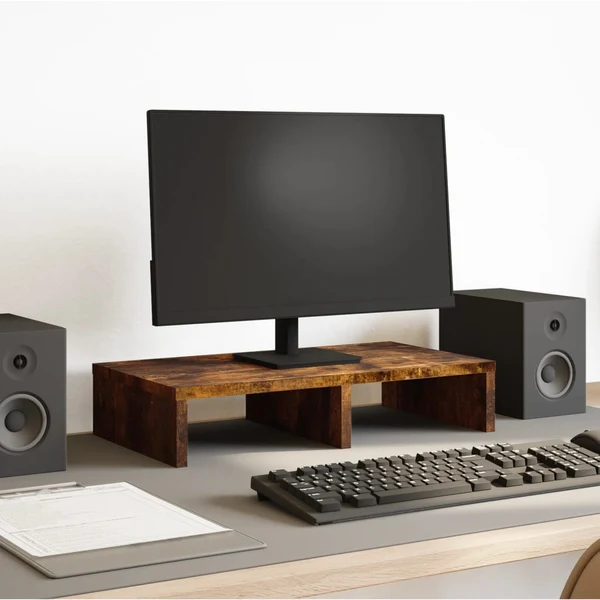
Smoked Oak Engineered Wood Monitor Stand, 50 x 27 x 10 cm
£50.99 incl. VAT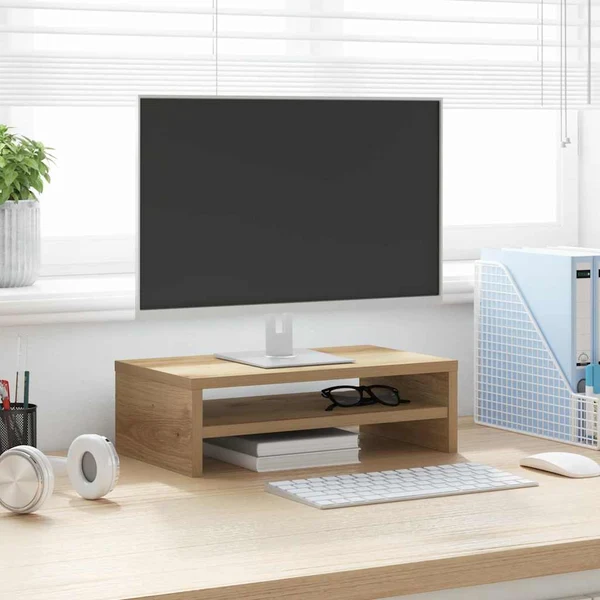
Artisan Oak Engineered Wood Monitor Stand, 42 x 24 x 13 cm
£47.99 incl. VATPick a type

Shop the edits
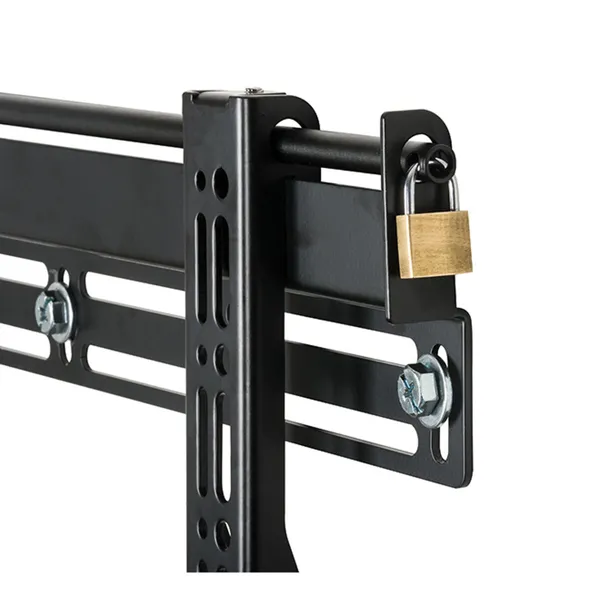
Screen Table Support /B 55 in
£24.99 incl. VAT
Lastan Folding and Adjustable Laptop Stand
£21.99 incl. VAT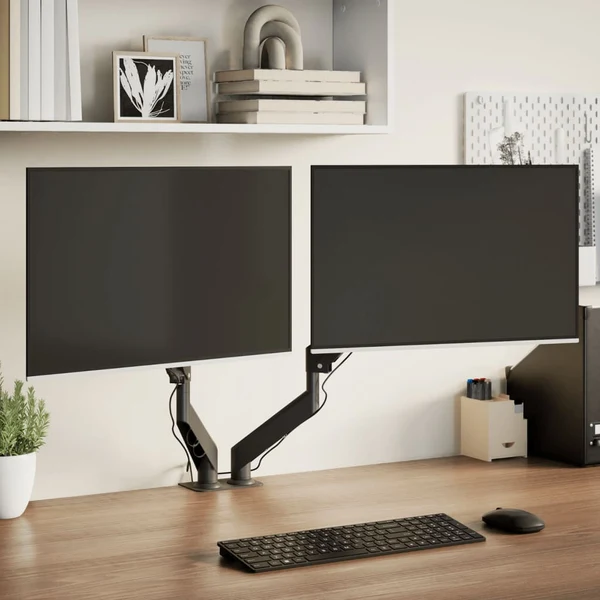
Dual Monitor Arm for 27 Inch Screens
£129.99 incl. VAT
Folding Adjustable Laptop Stand, 7 Tilt Levels
£12.99 incl. VAT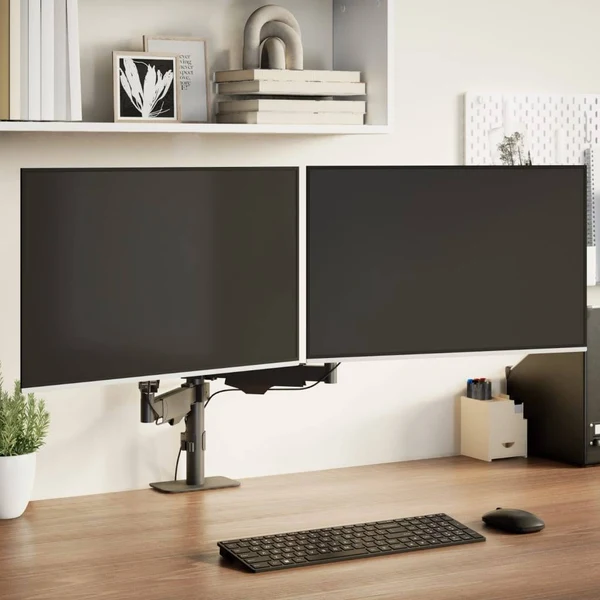
Dual Monitor Arm for Screens up to 27 in, 20 kg
£145.99 incl. VAT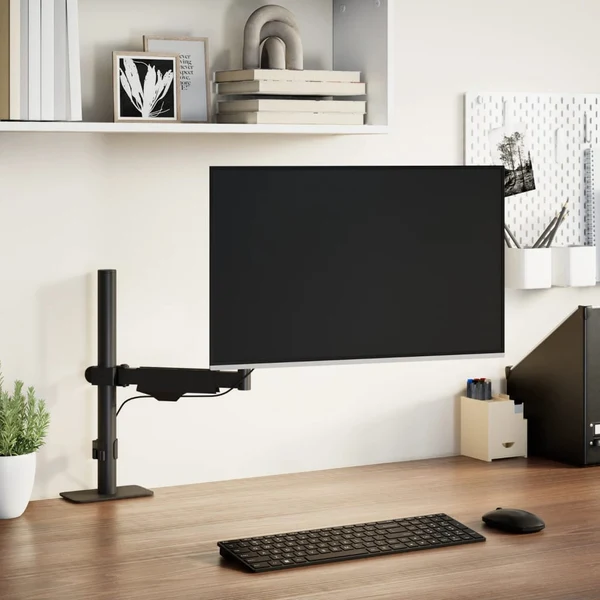
Single Monitor Arm, 27 in, Gas Spring, 10 kg
£89.99 incl. VAT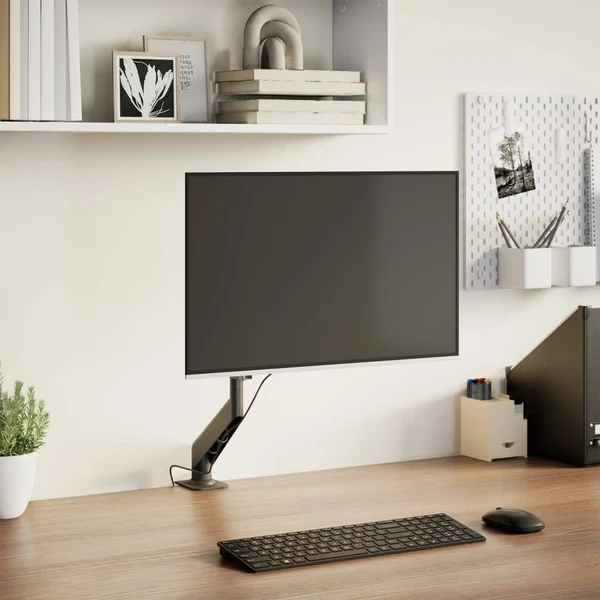
Single Monitor Arm with Gas Spring for 27 Inch Screens
£76.99 incl. VAT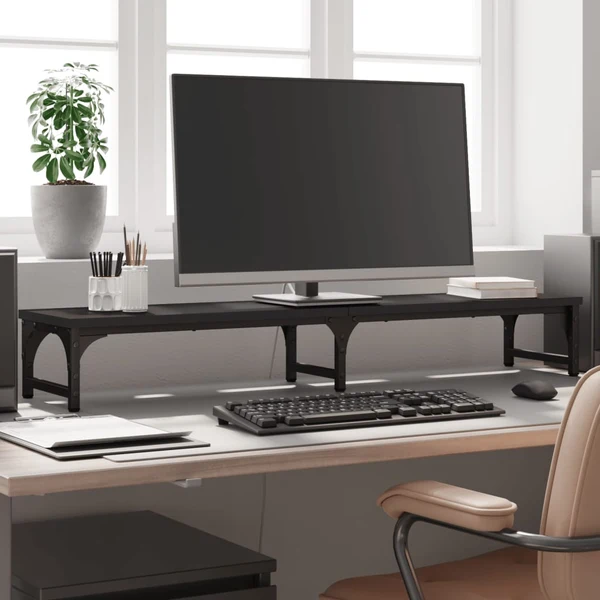
Monitor Stand, Black, 105 x 23 x 15.5 cm, Engineered Wood
£57.99 incl. VATPick a brand
How to choose
- Ergonomic adjustability: Look for lumbar support, adjustable armrests, and eye-level monitor stands to keep shoulders and wrists relaxed.
- Cable management: Pair under-desk trays and braided cables with monitor arms so power and display leads stay out of sight.
- Weigh look and function together; something you like the look of is more likely to be used.
- Consider storage: shape and size decide how easily it tucks away between uses.
Frequently asked questions
How does a laptop stand help a compact desk setup?
Raising the screen closer to eye level eases neck strain and opens space underneath for an external keyboard and mouse.
Should I pick a monitor riser or a clamp monitor arm?
A freestanding riser adds shelf space underneath for keyboards or notebooks, while a desk-clamp arm frees the desktop and pivots easily.
What should I check when replacing monitor stands?
When replacing monitor stands, note what worked and what did not with what you had before, then use that as a checklist for size, material and finish.
Where do I start if I am new to monitor stands?
If you are new to monitor stands, start with a versatile, all-round type in a material that is easy to care for, then add more specialised types once you know what you use.
Should I choose monitor stands for looks or for function?
With monitor stands, function comes first because it decides the type and size; within those limits, let your own taste decide the look.