
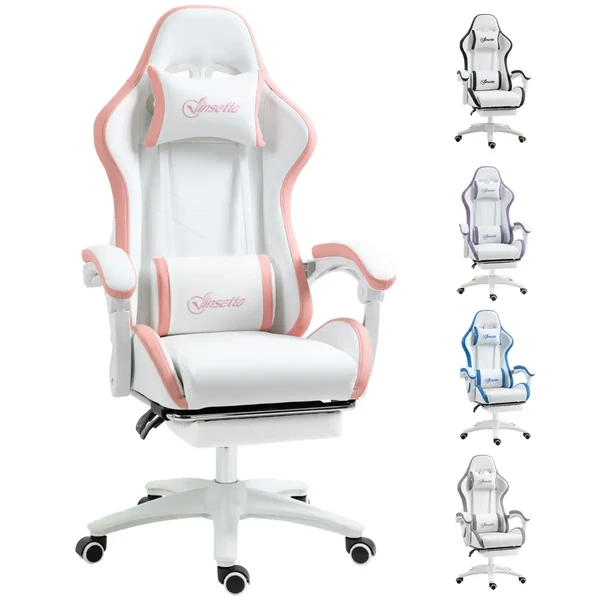
Racing Style Gaming Chair with Footrest, Pink
£242.99 incl. VAT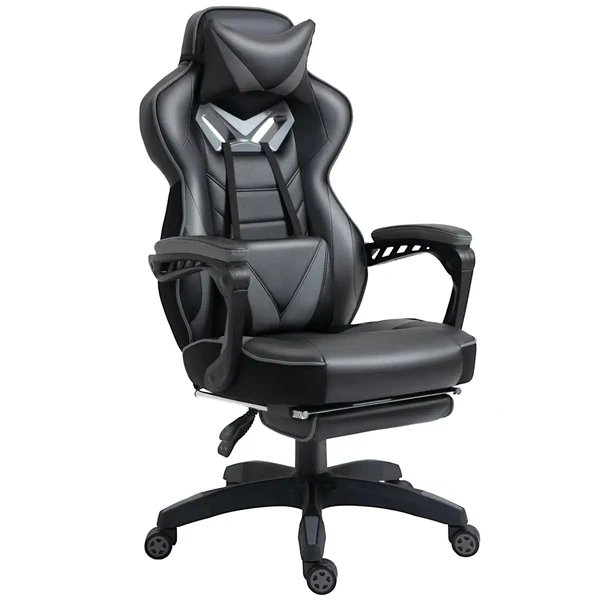
Ergonomic Reclining Gaming Chair in Grey
£350.99 incl. VAT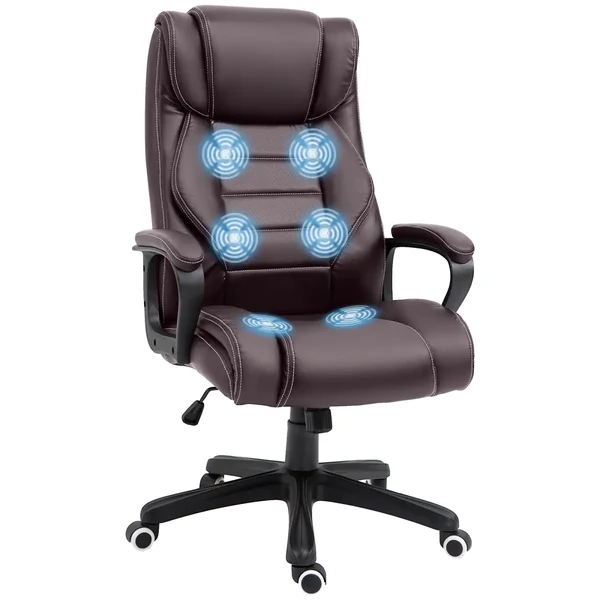
Vinsetto High-Back Executive Office Chair, 6-Point Massage, Brown
£234.99 incl. VAT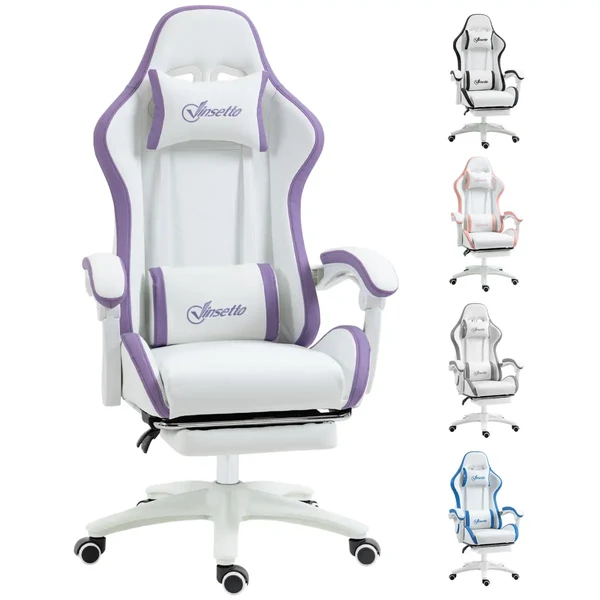
Racing Style Gaming Chair with Reclining and Footrest
£274.99 incl. VAT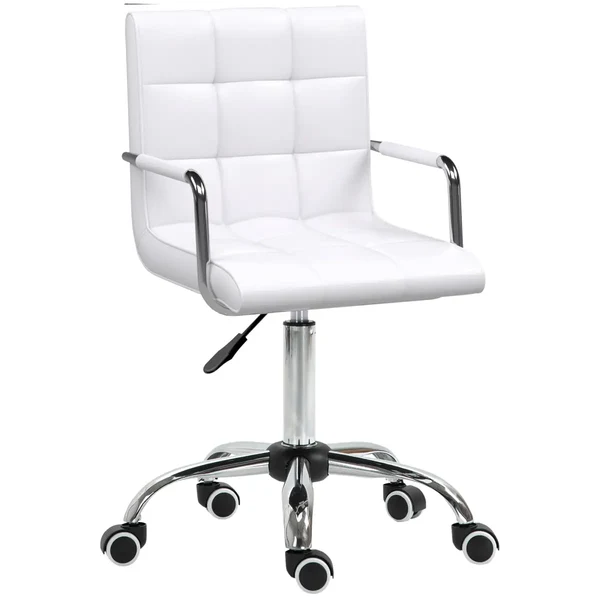
PU Leather Swivel Home Office Chair with Arms, White
£171.99 incl. VAT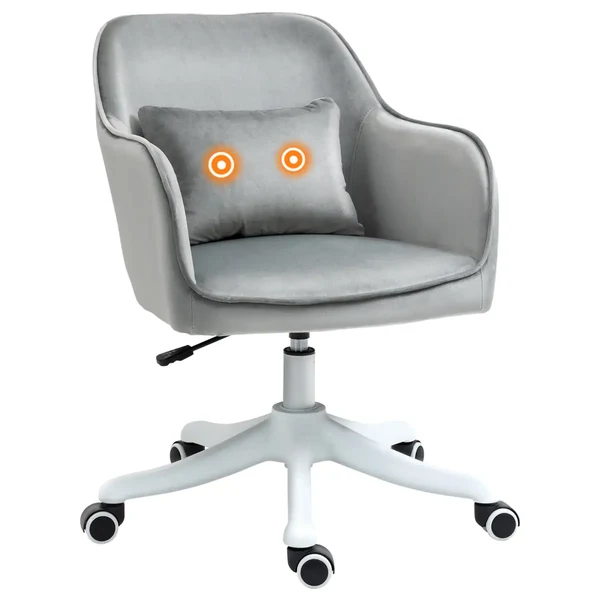
Office Chair with Rechargeable Massage Lumbar Pillow
£242.99 incl. VAT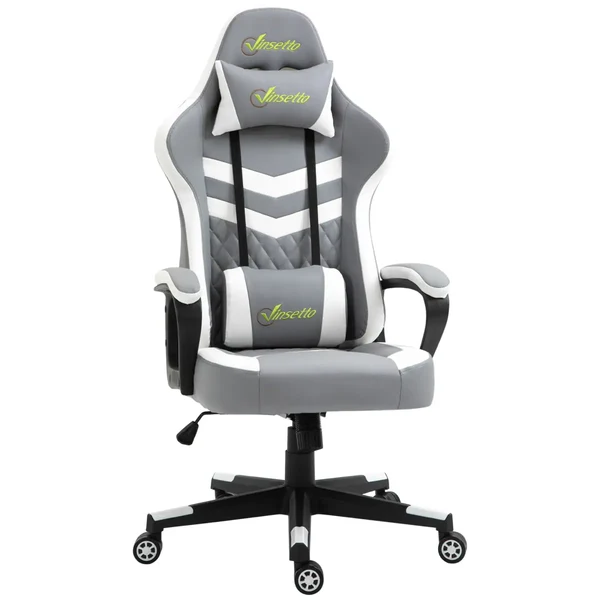
Racing Gaming Chair with Lumbar Support, Headrest, Grey White
£278.99 incl. VAT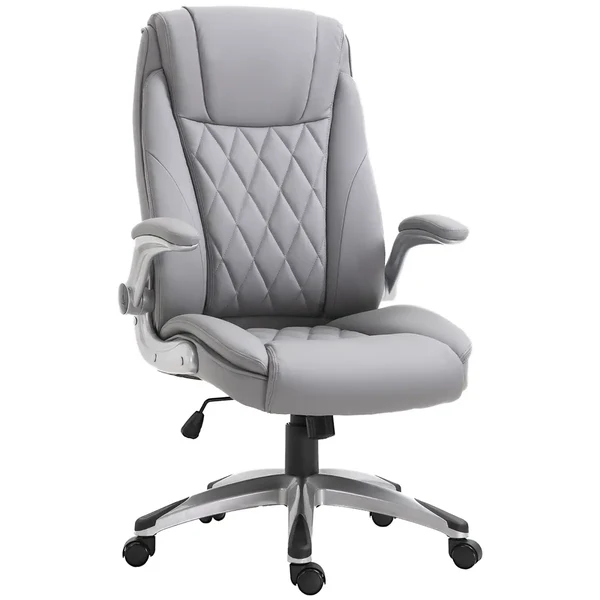
High Back Executive Office Chair, Grey PU Leather
£344.99 incl. VAT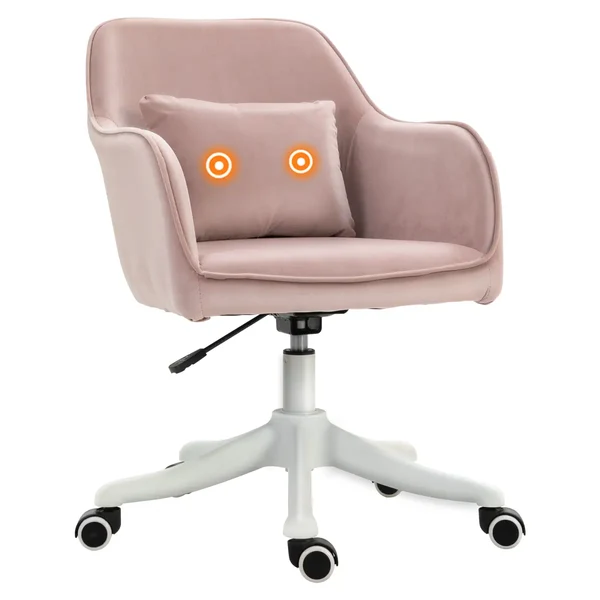
Electric Massage Office Chair with Lumbar Pillow
£242.99 incl. VAT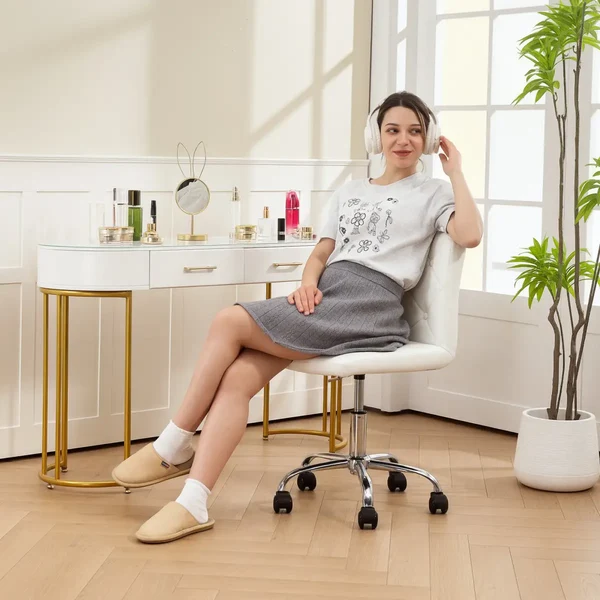
Grey Office Chair with Reclining Back and Footrest
£200.99 incl. VAT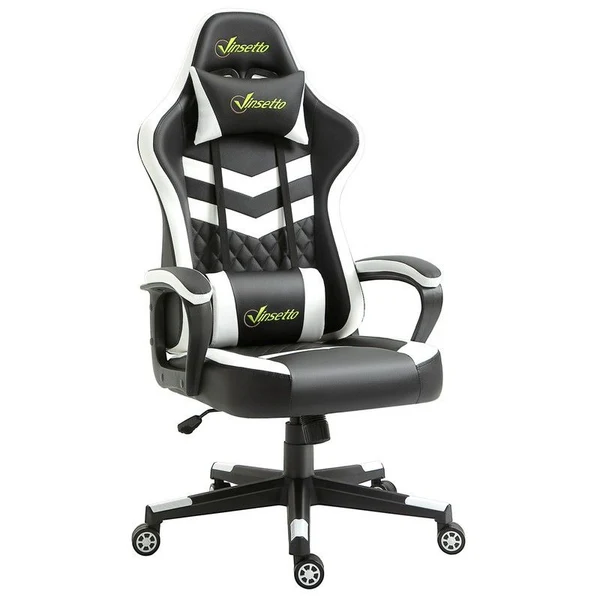
Racing Gaming Chair with Lumbar Support, Black and White
£284.99 incl. VAT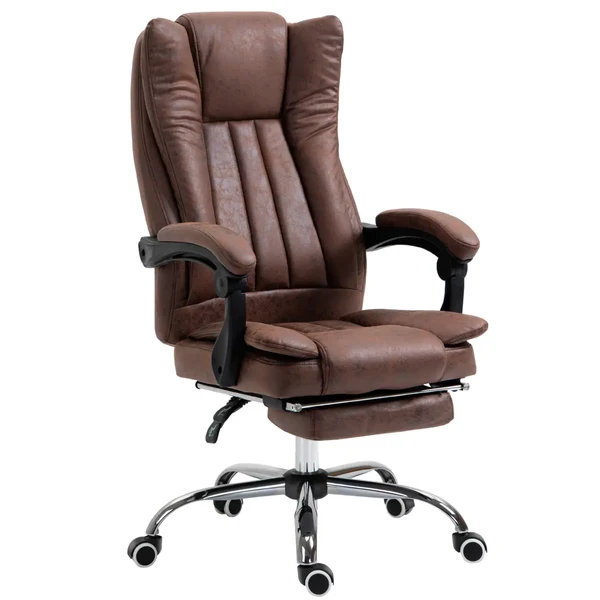
Executive Office Chair with Arms and Footrest, Brown
£397.99 incl. VAT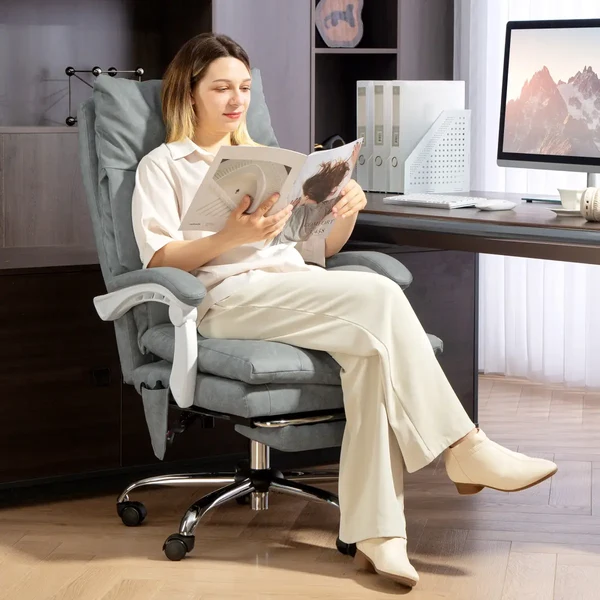
Grey Reclining Office Chair with Inflatable Lumbar Support
£475.99 incl. VAT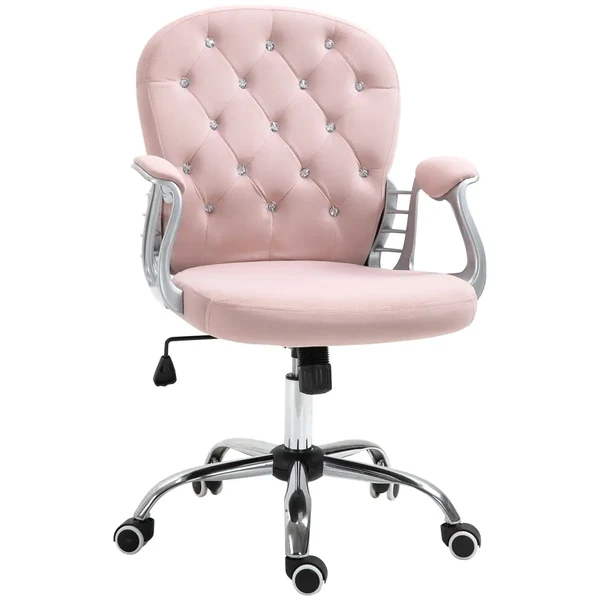
Velour Diamond Tufted Ergonomic Swivel Office Chair in Pink
£223.99 incl. VAT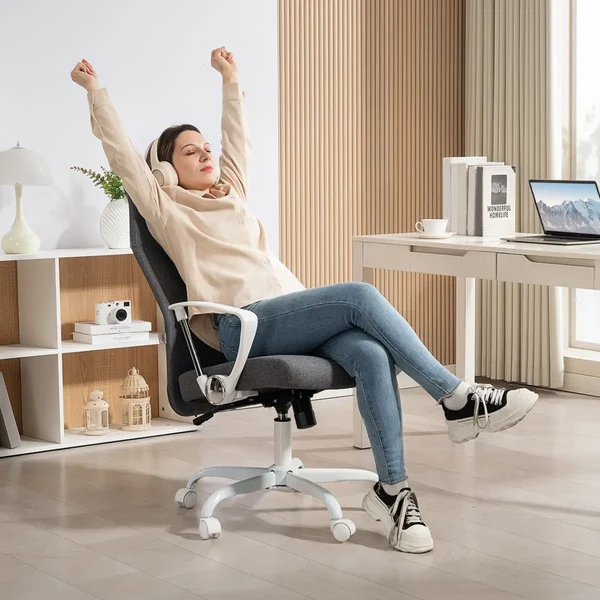
Office Chair with Massage
£249.99 incl. VAT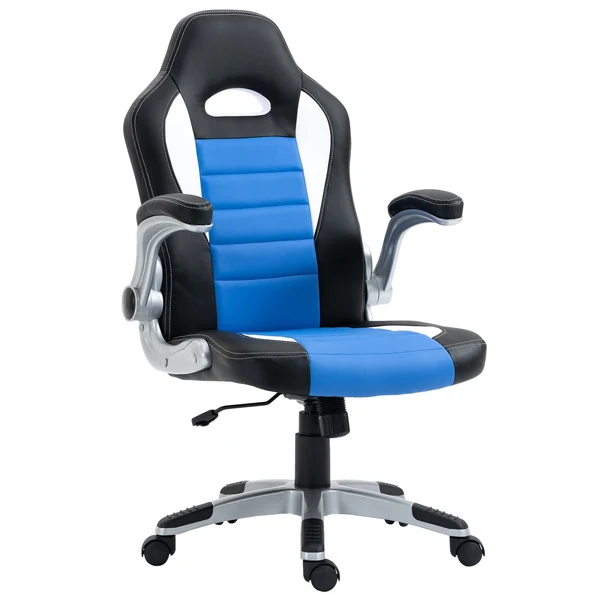
Racing-Style Gaming Chair, Model
£237.99 incl. VAT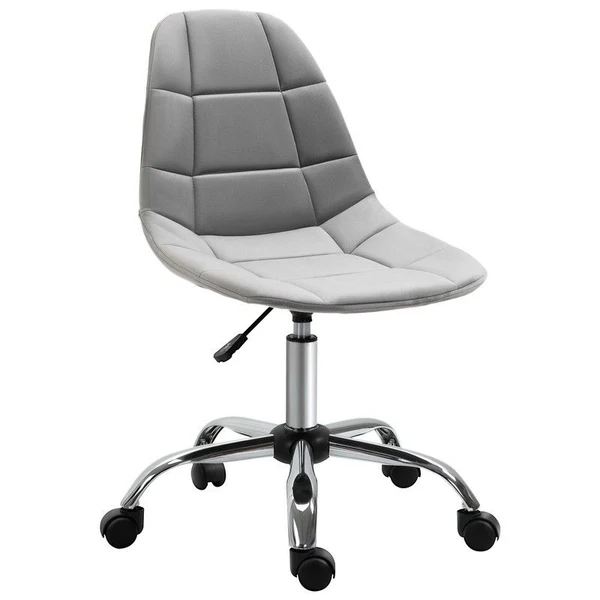
Velvet-Feel Armless Office Chair with Wheels, Grey
£142.99 incl. VAT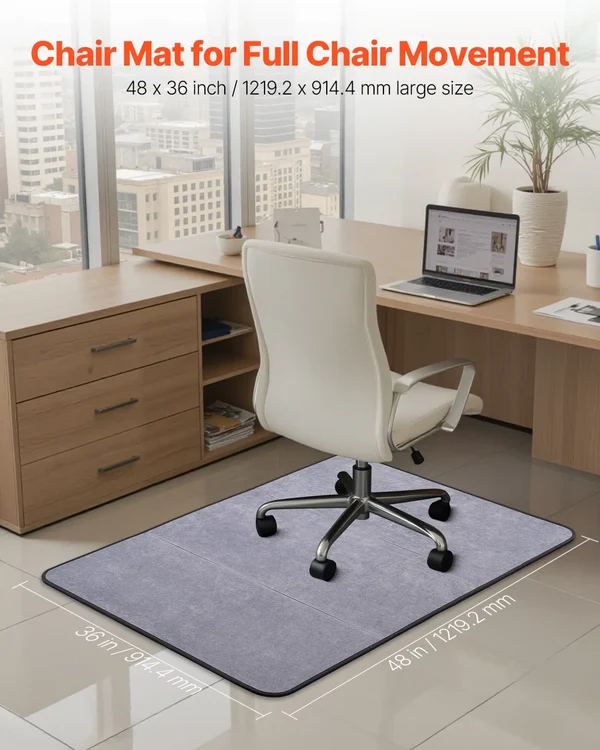
VEVOR 36 x 48 in Office Chair Mat, Grey
£67.99 incl. VAT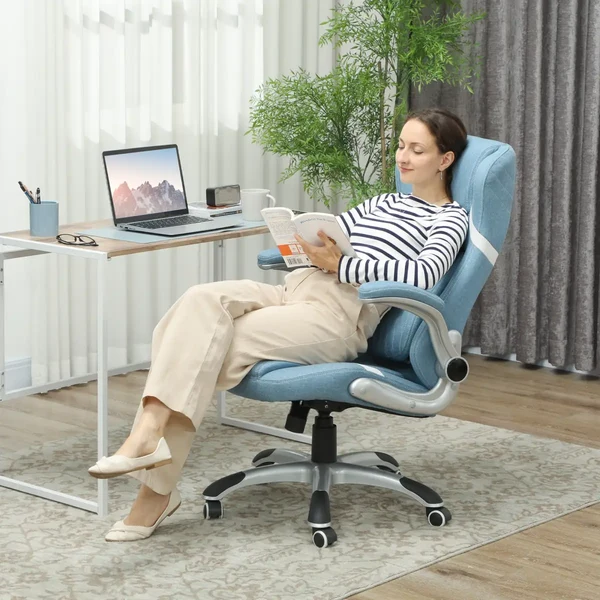
Blue Linen-Look High-Back Office Chair with Flip-Up Armrests
£521.99 incl. VAT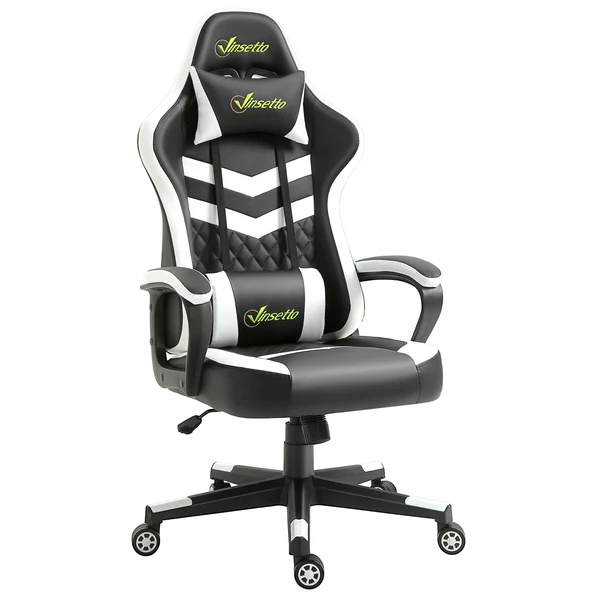
Racing Gaming Chair with Lumbar Support, Black and Grey
£271.99 incl. VAT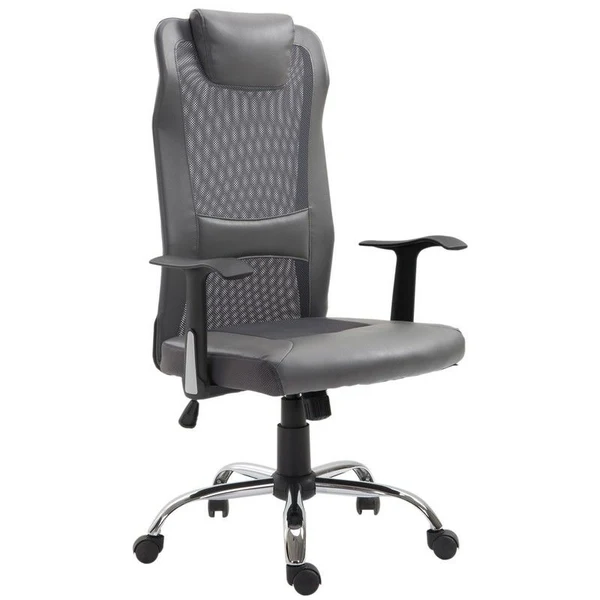
Mesh Office Chair with Headrest, Height Adjustable, Grey
£176.99 incl. VAT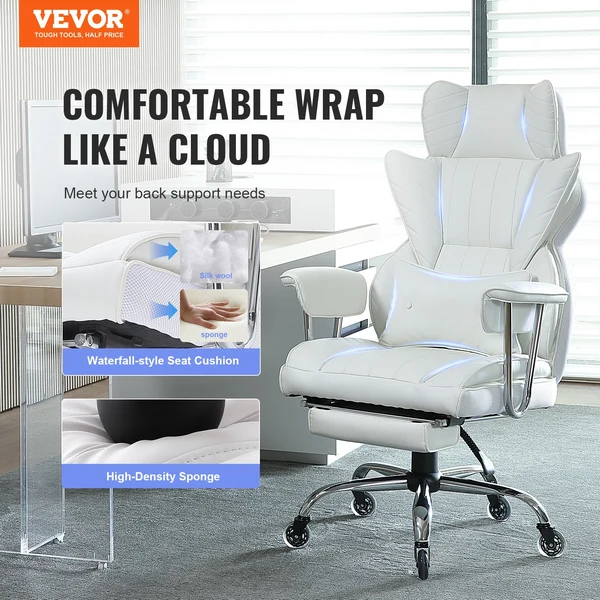
VEVOR Reclining Office Chair, Wide PU Leather Big and Tall, White
£427.99 incl. VAT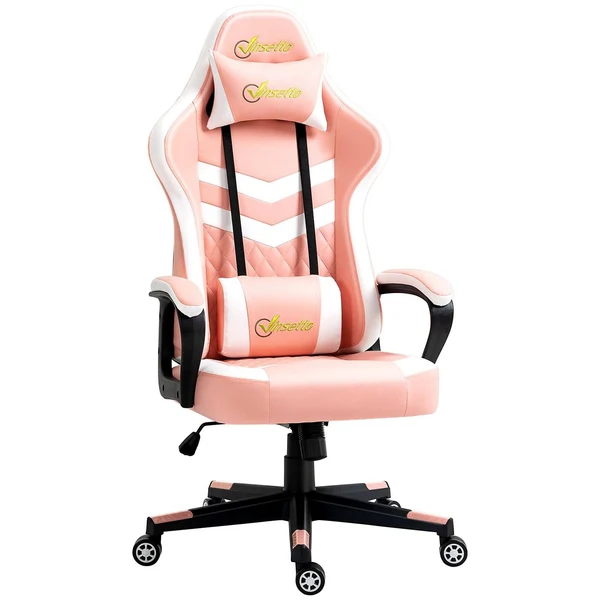
Pink Racing Gaming Chair with Lumbar Support
£271.99 incl. VAT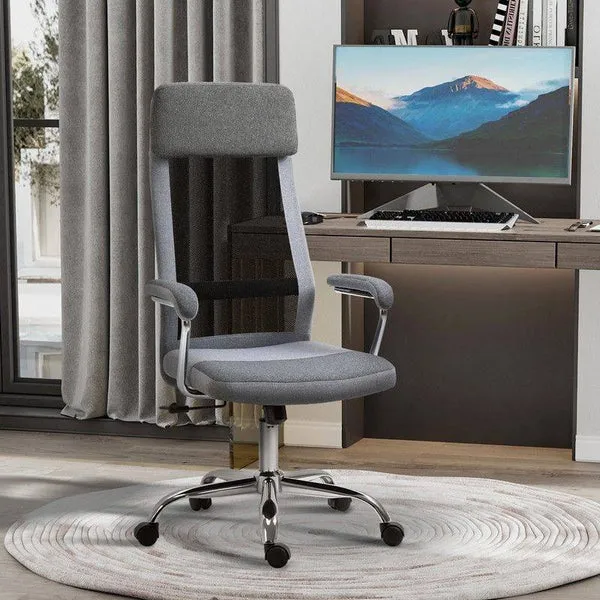
High-Back Office Chair with Arms and Wheels, Grey
£213.99 incl. VATPick a type
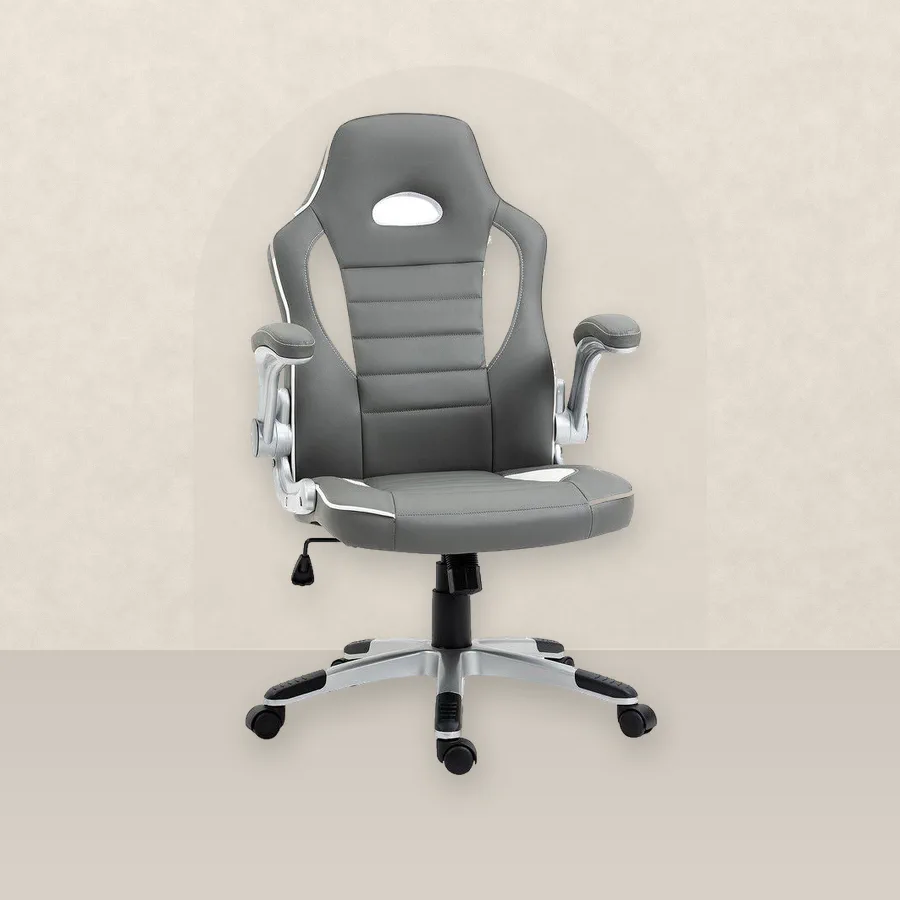
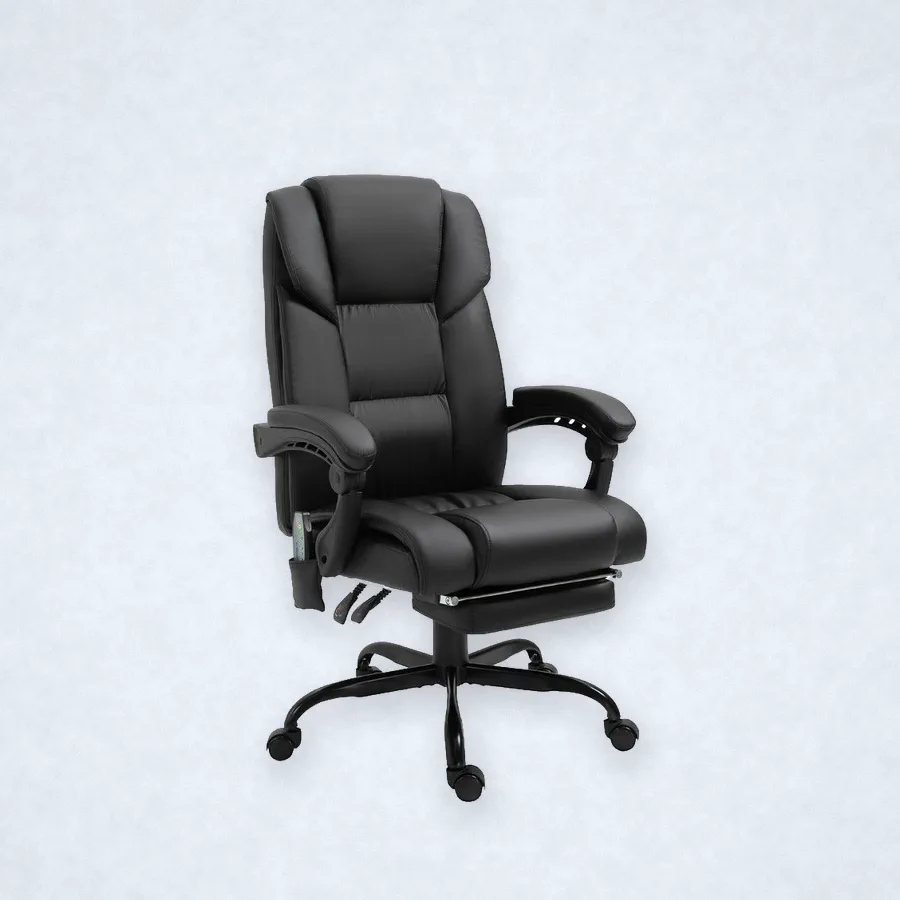
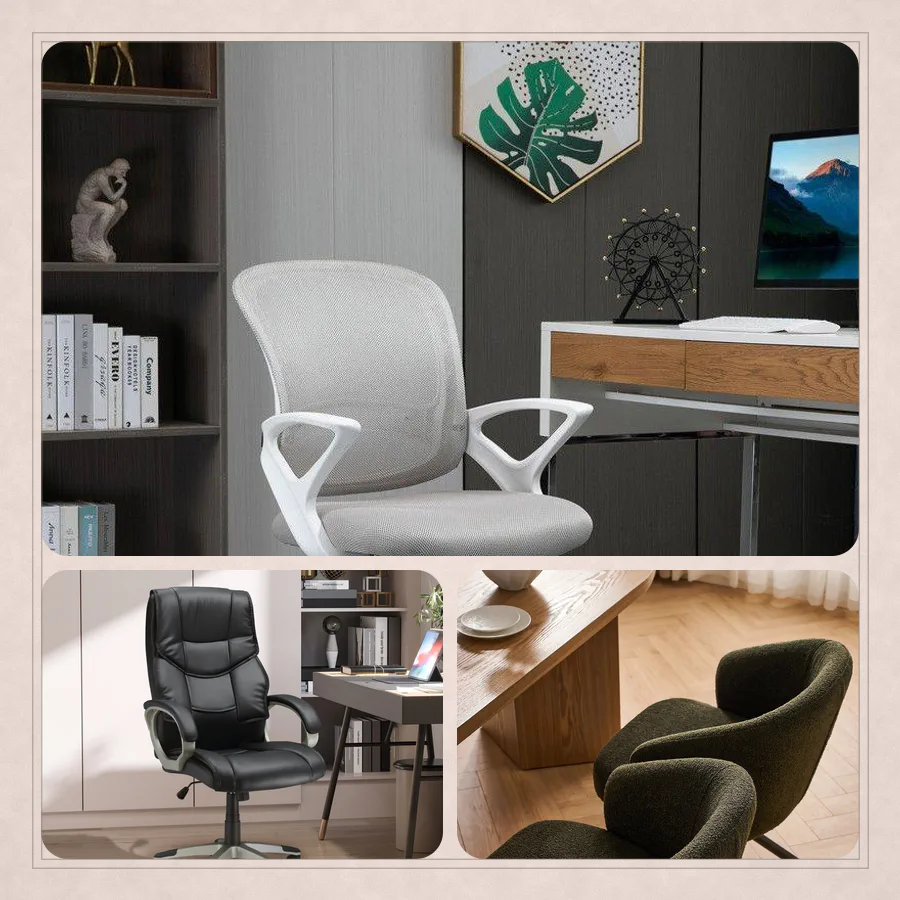
Shop the edits
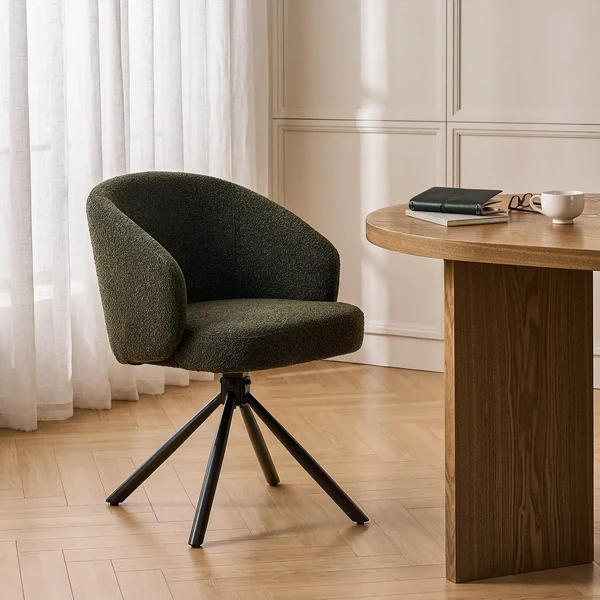
Cleo Dark Green Bouclé Swivel Desk Chair
From £160.99 incl. VAT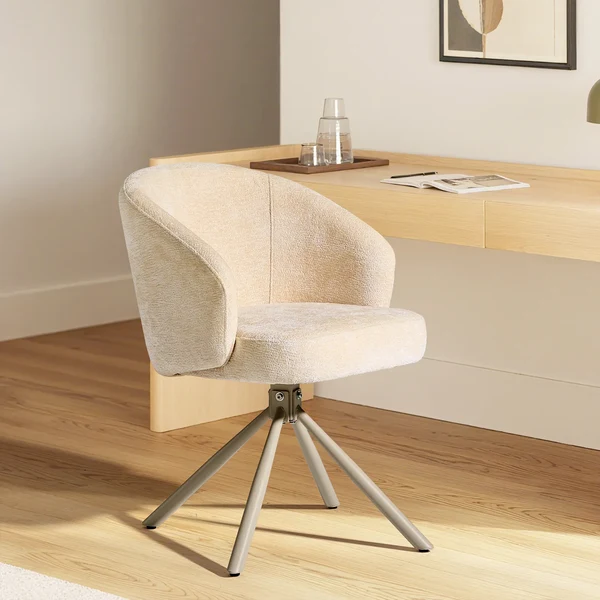
Cleo Cream Chenille Swivel Desk Chair
From £238.99 incl. VAT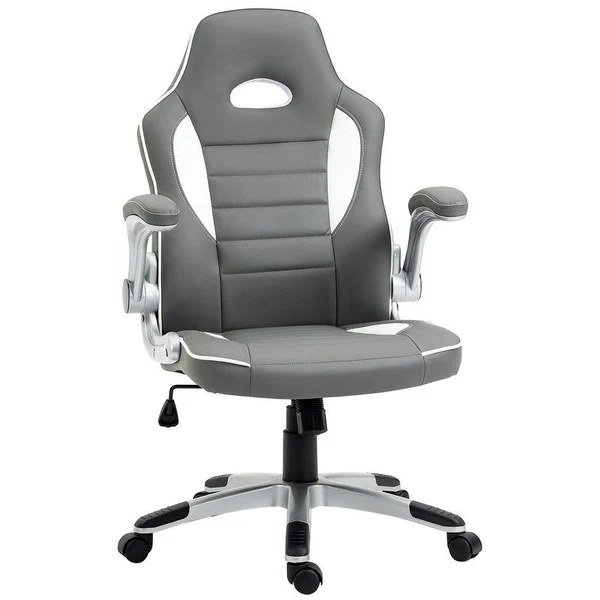
Racing Gaming Chair with Flip-Up Armrests and Tilting Seat
£248.99 incl. VAT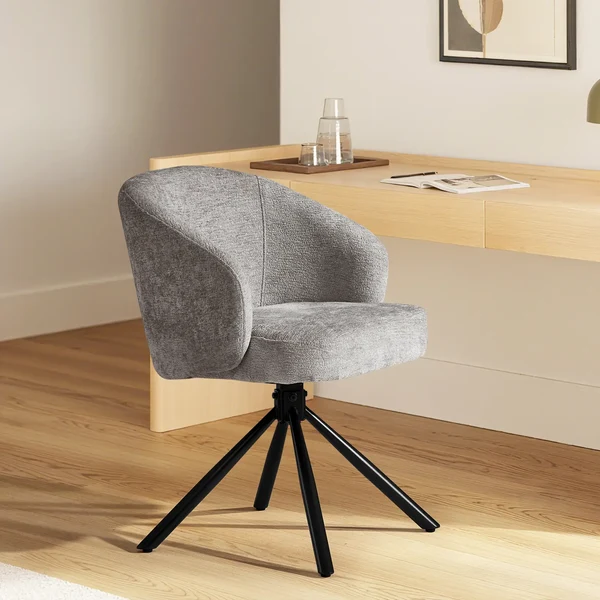
CLIPOPUK Cleo Swivel Desk Chair in Light Grey Chenille
From £160.99 incl. VAT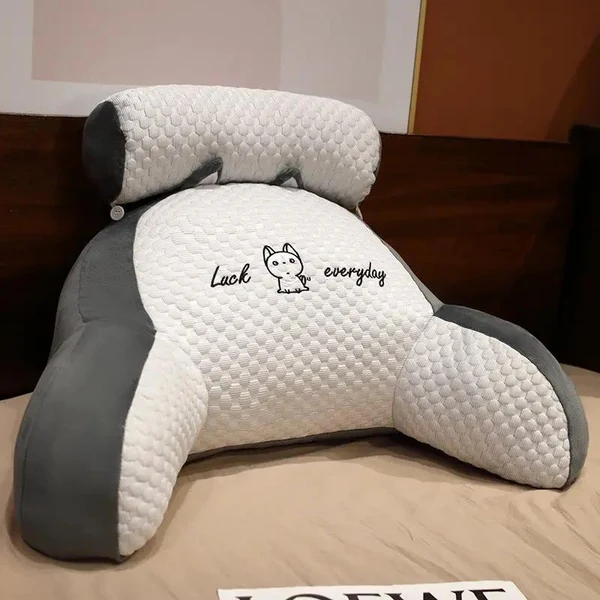
Dropshipman Fluffy Triangle Reading Cushion
From £29.99 incl. VAT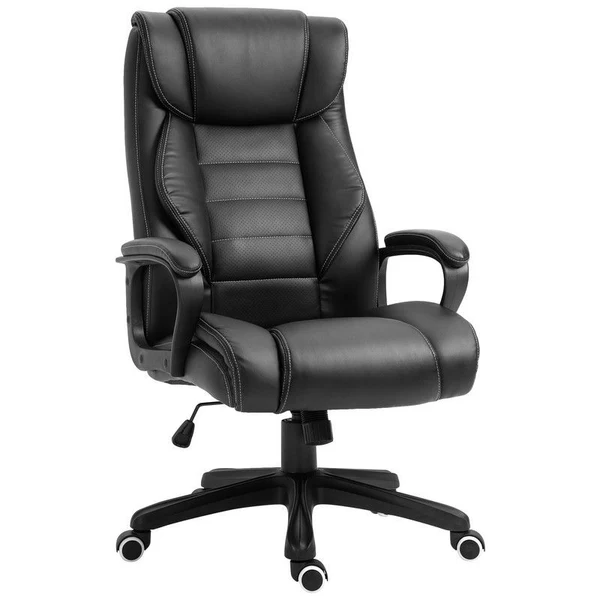
Black Faux Leather Massage Executive Office Chair
£319.99 incl. VAT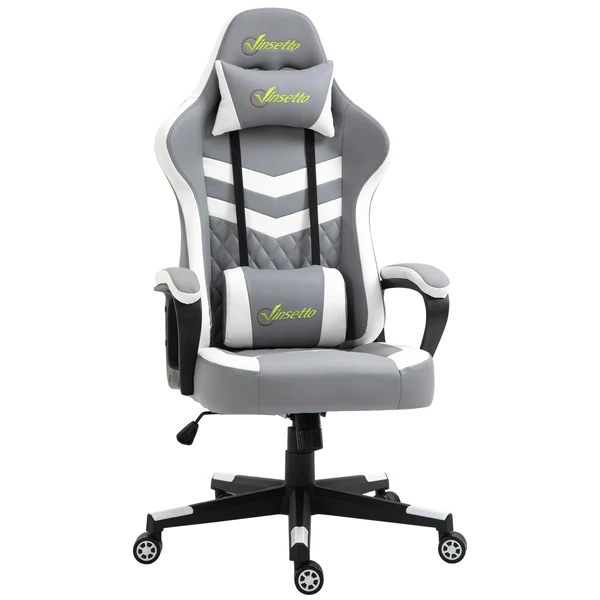
Racing Gaming Chair with Lumbar Support and Neck Pillow
£284.99 incl. VAT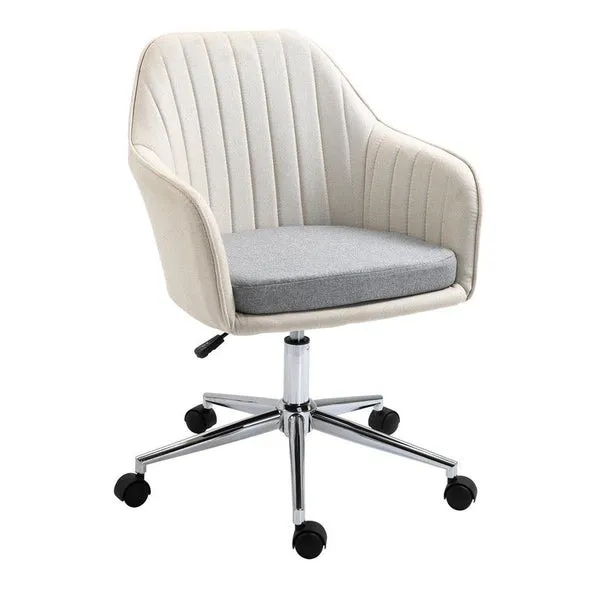
Leisure Linen Swivel Office Chair, Beige
£237.99 incl. VATPick a brand
How to choose
- Surface and switch feel: Cloth and felt desk mats give controlled mouse glide, while mechanical and tactile keyboards suit heavy typing and crisp inputs.
- Desk footprint and layout: Measure your desktop width and depth before choosing a gaming desk, extended mat, or multi-monitor riser.
- Audio isolation and mic clarity: Over-ear closed headsets block room noise, whereas dedicated USB condenser microphones give cleaner speech for streaming and calls.
- Pick a colour that sits well with what you already own: green, beige and grey.
- Compare the materials listed for weight, feel and care: chenille and bouclé.
Frequently asked questions
What makes a gaming chair comfortable for long sessions?
Adjustable seat height, supportive lumbar cushions, a reclining backrest, and padded armrests help keep posture steady.
How do I keep a gaming keyboard free of dust?
Tilt the keyboard gently to tap out loose debris, use a soft brush between keycaps, and wipe the frame with a dry microfibre cloth.
Where do I start if I am new to gaming chairs?
If you are new to gaming chairs, start with a versatile, all-round type in a material that is easy to care for, then add more specialised types once you know what you use.
What should I check when replacing gaming chairs?
When replacing gaming chairs, note what worked and what did not with what you had before, then use that as a checklist for size, material and finish.