
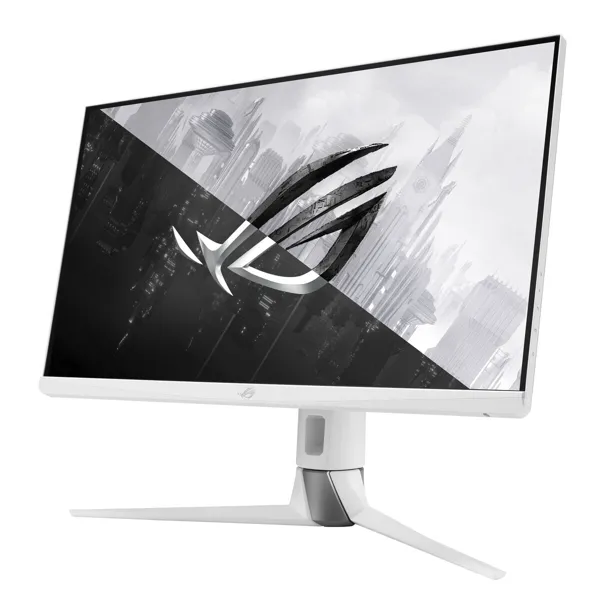
ROG Strix XG27AQ-W Gaming Monitor 27″ Wide Quad HD
£966.99 incl. VAT
4K Ultra HD 28″ Gaming Monitor
£1,169.99 incl. VAT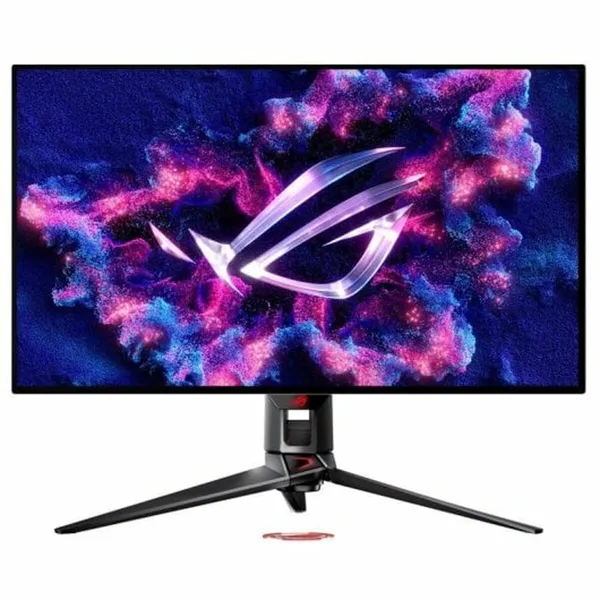
90LM0A50- Gaming Monitor 4K Ultra HD 31.5″
£1,934.99 incl. VAT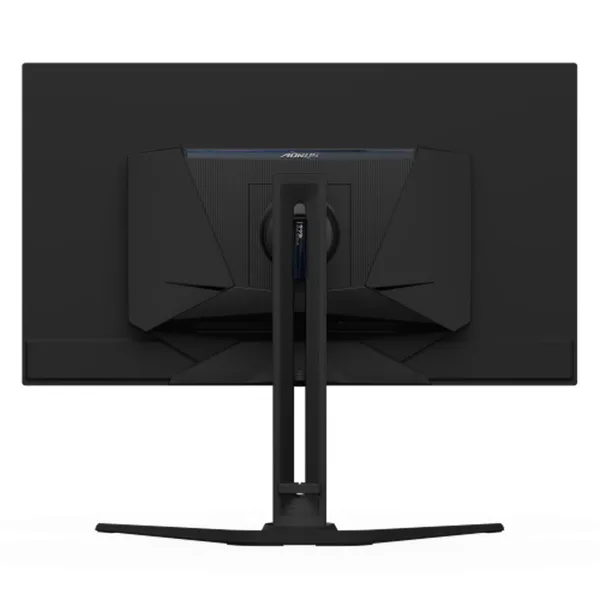
AORUS FO32U Gaming Monitor 4K Ultra HD 31.5″
£1,688.99 incl. VAT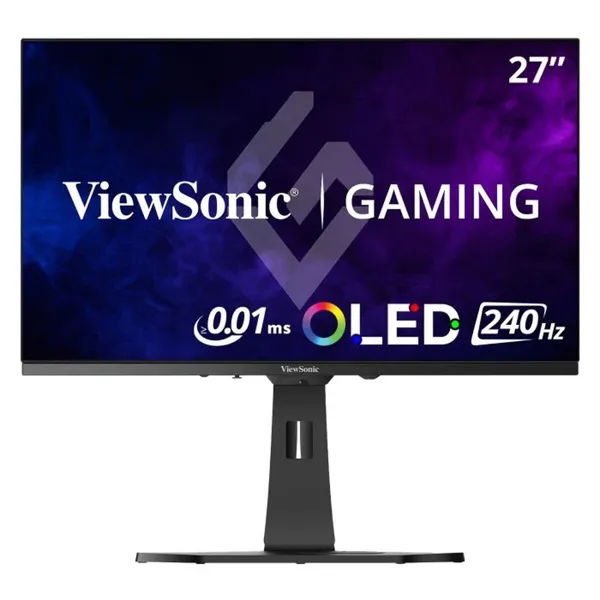
2K-OLED 27″ 2K Quad HD Gaming Monitor
£2,067.99 incl. VAT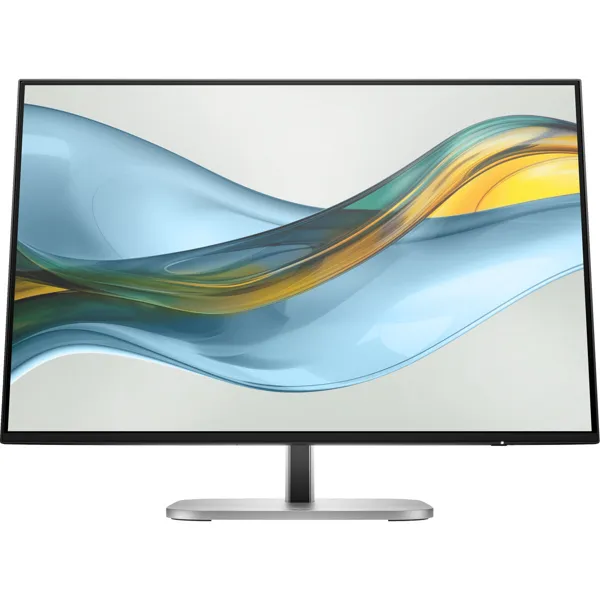
HP 9D9A7AA#ABB 24″ WUXGA Gaming Monitor
£361.99 incl. VAT
Gaming Monitor 28 in 4K Ultra HD
£1,079.99 incl. VAT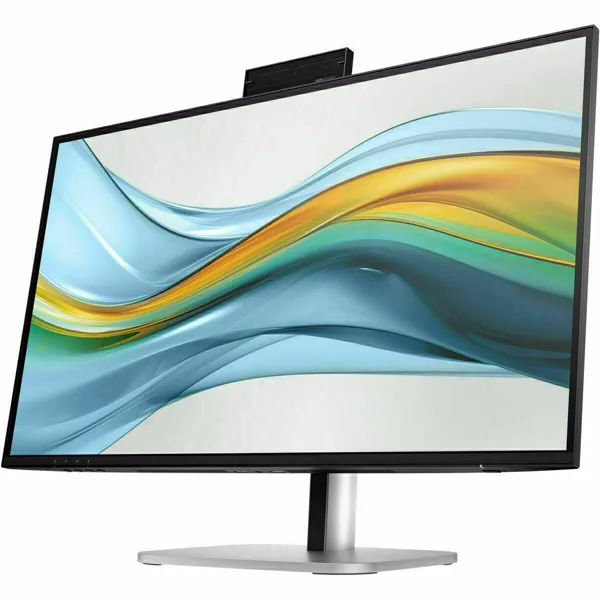
Gaming Monitor HP 9E0Y9UT#ABB Quad HD 27 in (68.6 cm)
£747.99 incl. VAT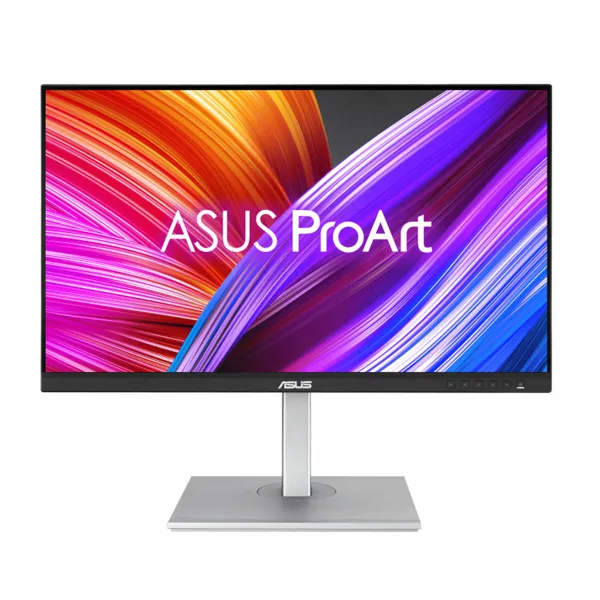
ProArt Quad HD 27″ Gaming Monitor
£671.99 incl. VAT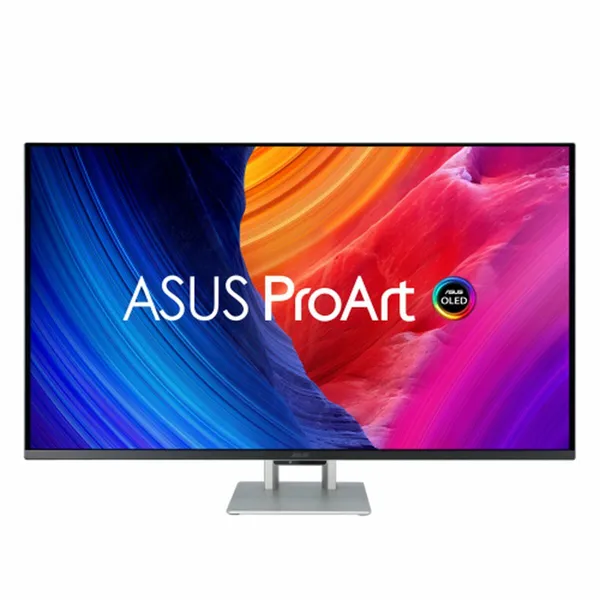
B01K70 4K Ultra HD Gaming Monitor 32″ (81.3 cm)
£3,166.99 incl. VAT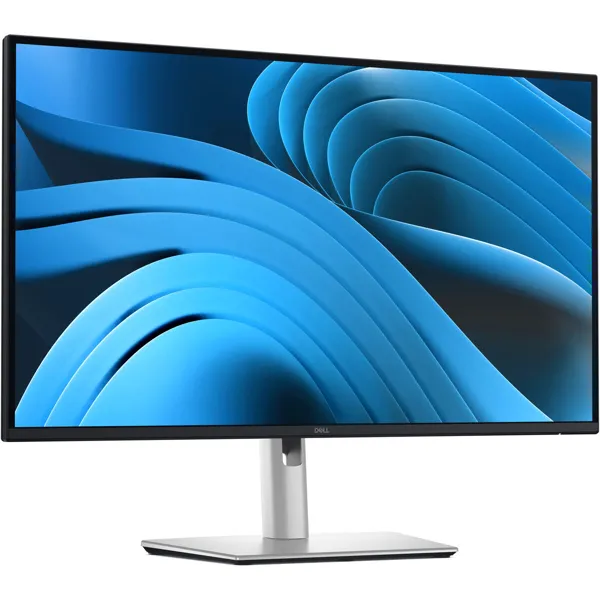
DELL- 27″ 4K Ultra HD Gaming Monitor
£758.99 incl. VAT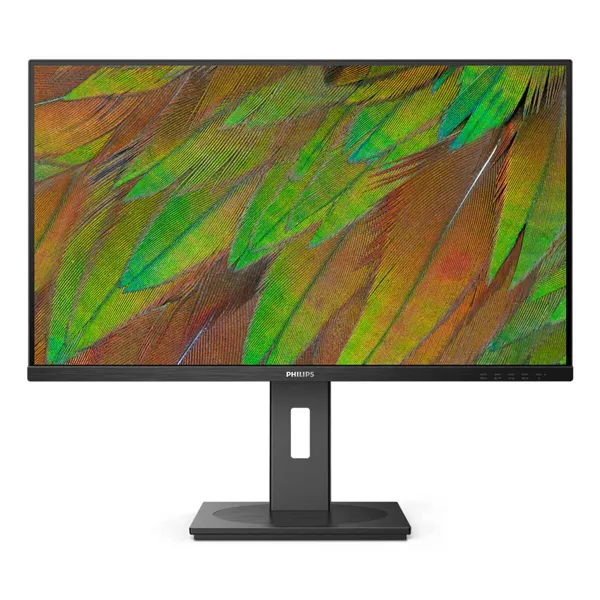
32″ 4K Ultra HD Gaming Monitor
£617.99 incl. VAT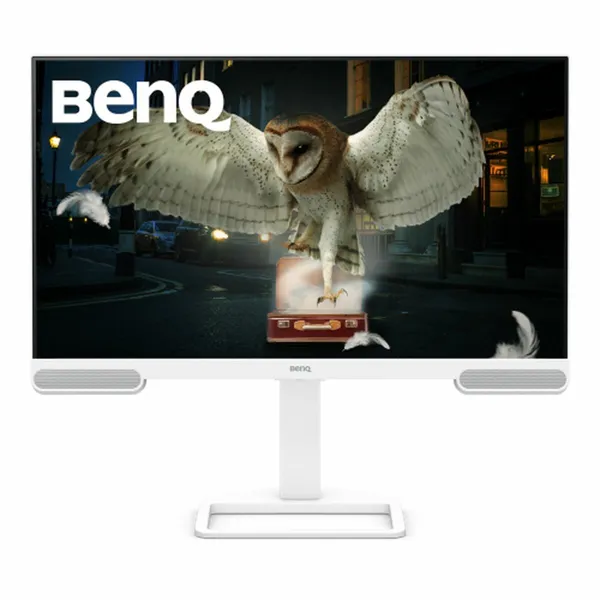
27 in (68.6 cm) 4K Ultra HD Gaming Monitor
£690.99 incl. VAT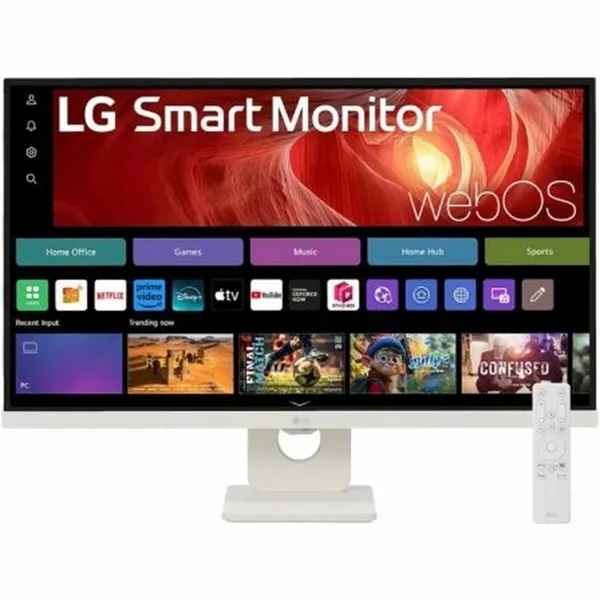
LG -W 27 in (68.6 cm) 4K Ultra HD Gaming Monitor
£534.99 incl. VAT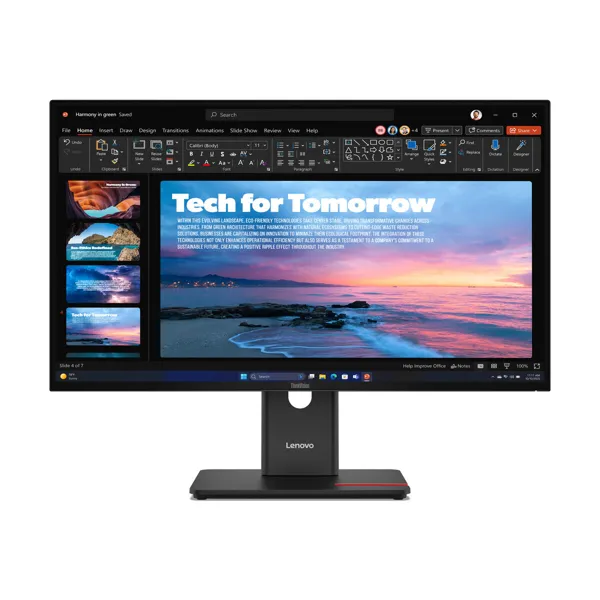
ThinkVision T27qd-40 27″ Quad HD Monitor
£585.99 incl. VAT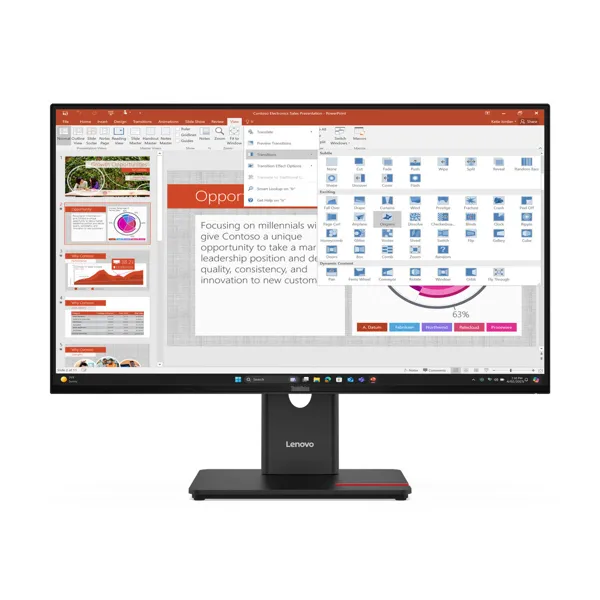
ThinkVision T27-40 27″ Full HD LCD Gaming Monitor
£308.99 incl. VAT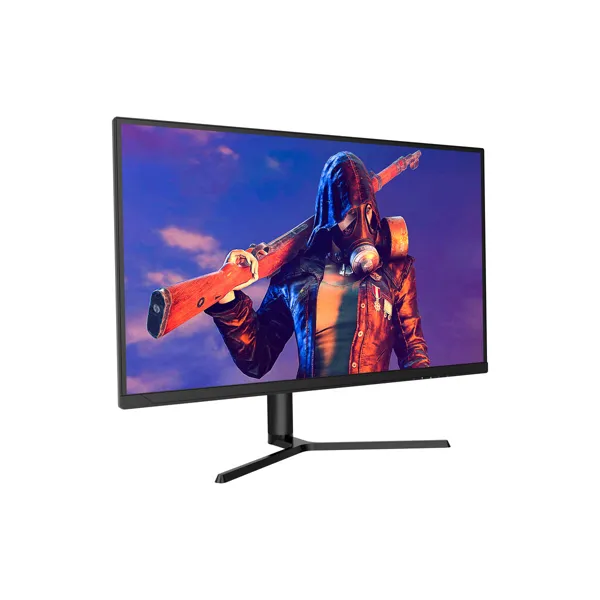
SLN- 32″ UHD 4K Gaming Monitor
£551.99 incl. VAT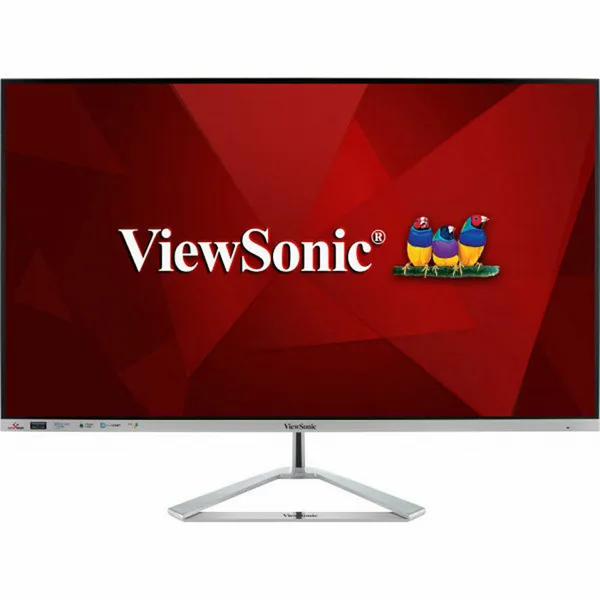
2K-mhd-2 32″ QHD IPS Gaming Monitor
£451.99 incl. VAT
Gaming Monitor 27″ Full HD
£348.99 incl. VAT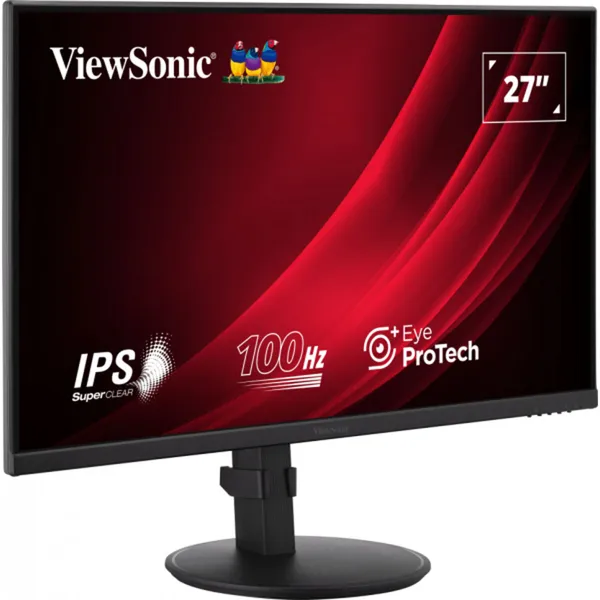
27″ IPS Full HD Gaming Monitor
£330.99 incl. VAT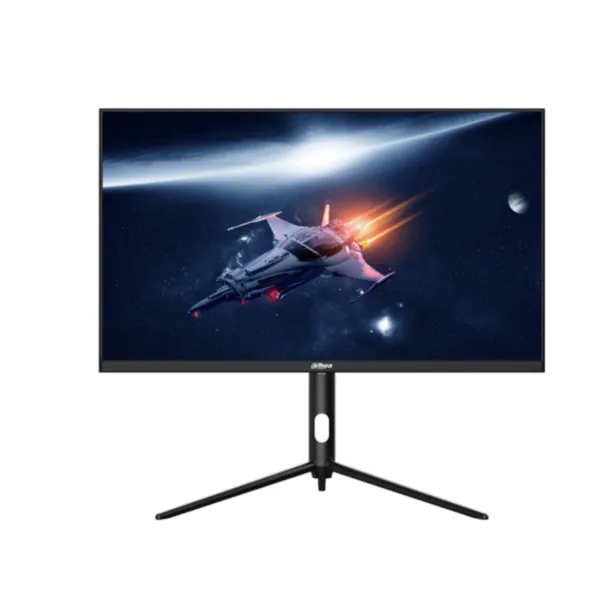
DHI-LM32- Gaming Monitor 32″
£819.99 incl. VAT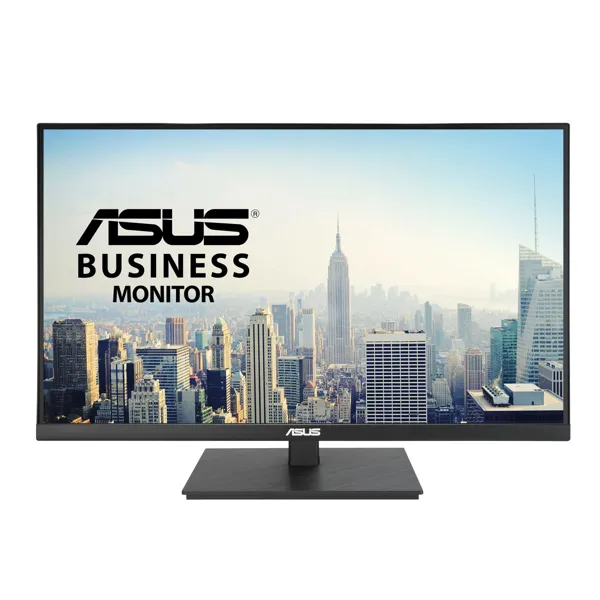
VA27ACFSN 27″ Quad HD Gaming Monitor
£599.99 incl. VAT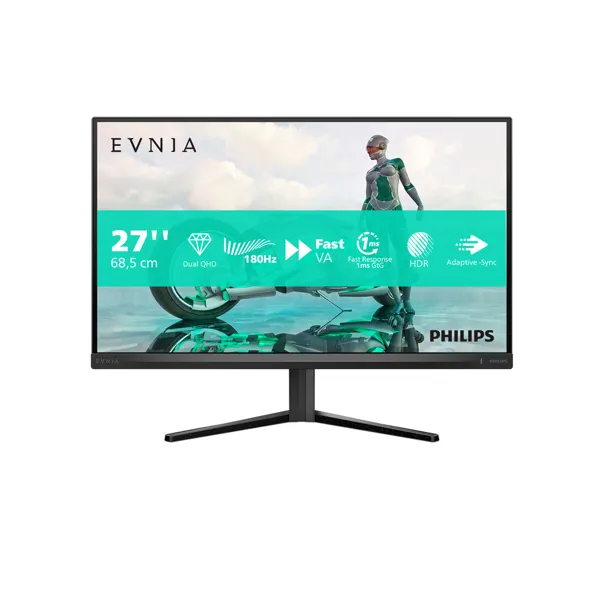
27M2N3500NL/00 Quad HD 27 in (68.6 cm) Gaming Monitor
£324.99 incl. VAT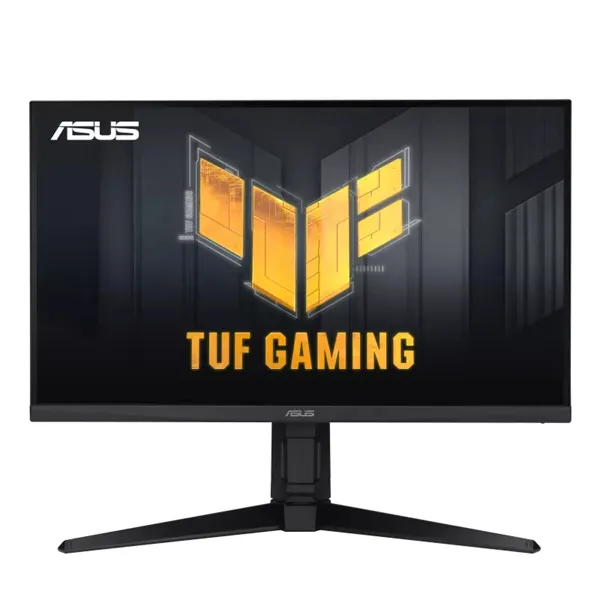
Full HD 27″ 180 Hz Gaming Monitor
£363.99 incl. VATPick a brand
How to choose
- Audio isolation and mic clarity: Over-ear closed headsets block room noise, whereas dedicated USB condenser microphones give cleaner speech for streaming and calls.
- Cable management: Pair under-desk trays and braided cables with monitor arms so power and display leads stay out of sight.
- Surface and switch feel: Cloth and felt desk mats give controlled mouse glide, while mechanical and tactile keyboards suit heavy typing and crisp inputs.
- For a first purchase, a versatile all-round type is the easiest place to start.
- Weigh look and function together; something you like the look of is more likely to be used.
Frequently asked questions
How do I keep a gaming keyboard free of dust?
Tilt the keyboard gently to tap out loose debris, use a soft brush between keycaps, and wipe the frame with a dry microfibre cloth.
How do I choose between a wired and wireless gaming headset?
Wired headsets plug straight into a PC or controller without recharging, while wireless headsets let you move freely around the room.
How do the main types of gaming monitors differ?
Types of gaming monitors differ in shape, size, material and the job they are designed for, so compare them on those points rather than on the name alone.
Which material is a good choice for gaming monitors?
There is no single right material for gaming monitors: compare weight, feel and care needs, and choose the one that suits how often and where it will be used.