
ViewSonic
ViewSonic, the quick version: check size, material and care for each item. Comparing an item with a similar one from another maker is a quick way to check the details. Read each description for dimensions, materials and care instructions.
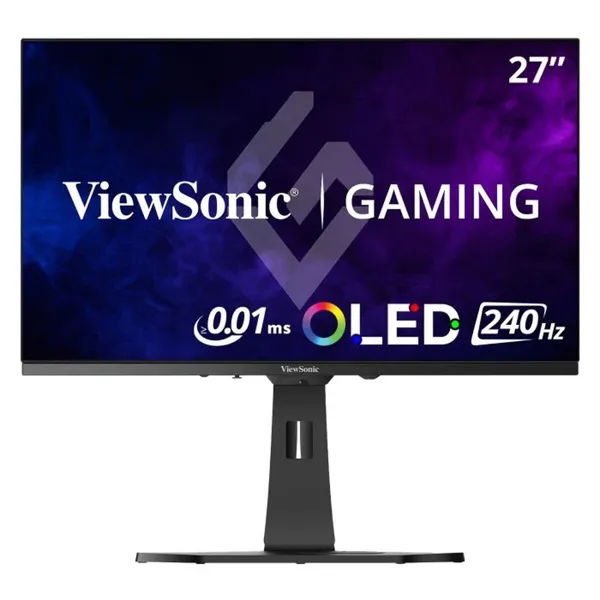
2K-OLED 27″ 2K Quad HD Gaming Monitor
£2,067.99 incl. VAT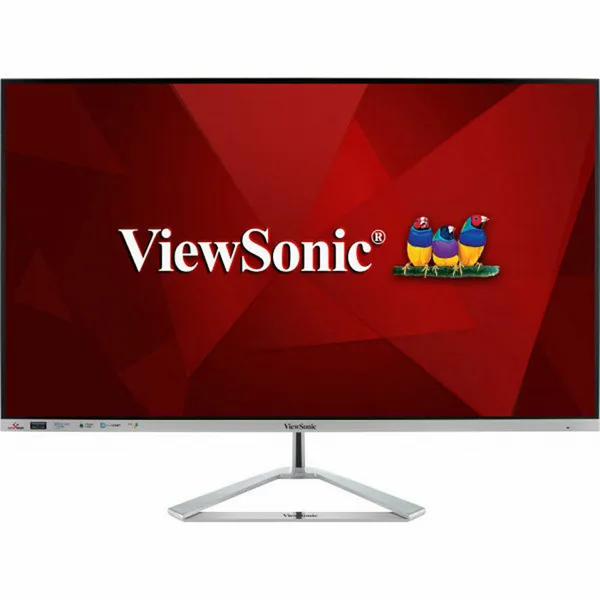
2K-mhd-2 32″ QHD IPS Gaming Monitor
£451.99 incl. VAT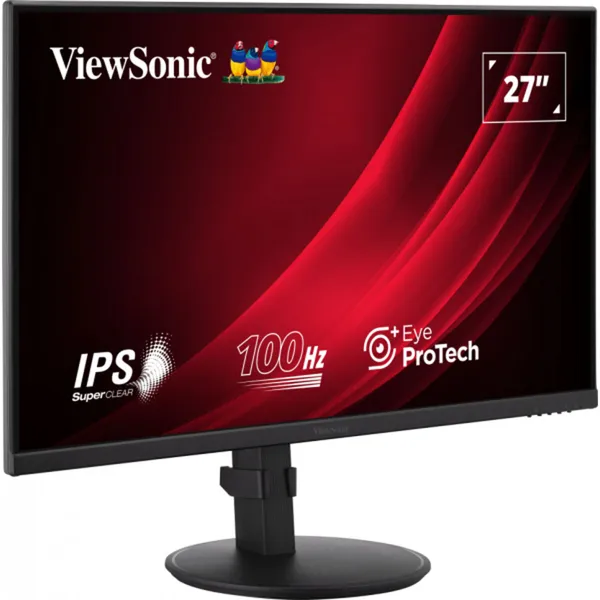
27″ IPS Full HD Gaming Monitor
£330.99 incl. VATHow to choose
- Weigh the trade-offs between size, weight and finish that matter to you.
- Decide between a single item and a matching set before comparing options.
- Compare with a similar item from another maker to judge the details fairly.
- For a gift, choose versatile sizes and materials that are easy to look after.
Frequently asked questions
ViewSonic: how do I compare items with other makers?
Put similar items side by side and compare measurements, material, construction and care, rather than the brand names on them.
ViewSonic: how do I get the size right?
Measure what you have, or the space or person the item is for, and compare that with the stated dimensions of each item rather than with the size name.
Can ViewSonic be matched with what I already own?
Matching is easiest when you keep one element constant, such as material, colour or finish, whatever brand each item comes from.
ViewSonic or another brand: how do I decide?
Compare one item with another on measurements, material, construction and care; the one that matches your needs on those points is the right choice, whatever the name.
ViewSonic: which other brands are worth comparing?
Comparing brands on the same points, such as measurements, material and care, makes the choice clearer. Other brands to compare: LENOVO, DAHUA TECHNOLOGY, DELL, Gigabyte and Jetwing.