Workstation Monitors
Size, build, finish and care: four checks that make choosing workstation monitors straightforward. Think about storage between uses too, since shape decides how neatly it can be put away. Close alternatives, if this kind is not quite right: High Refresh Gaming Monitors.
Related: Gaming Monitors
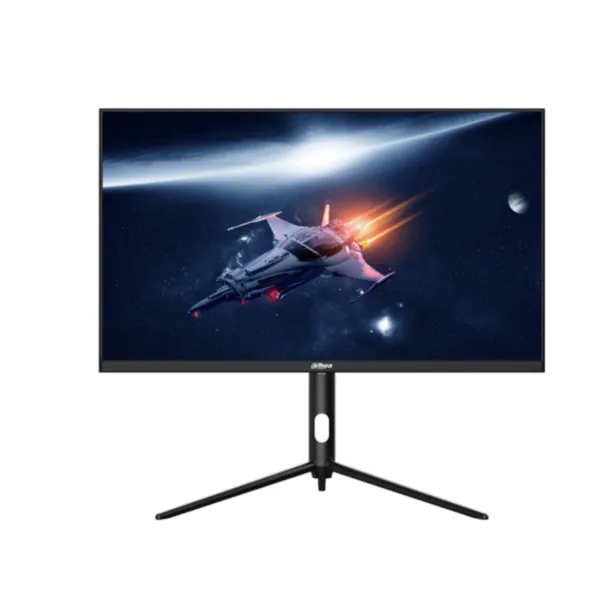
Full HD 27″ 180 Hz Gaming Monitor
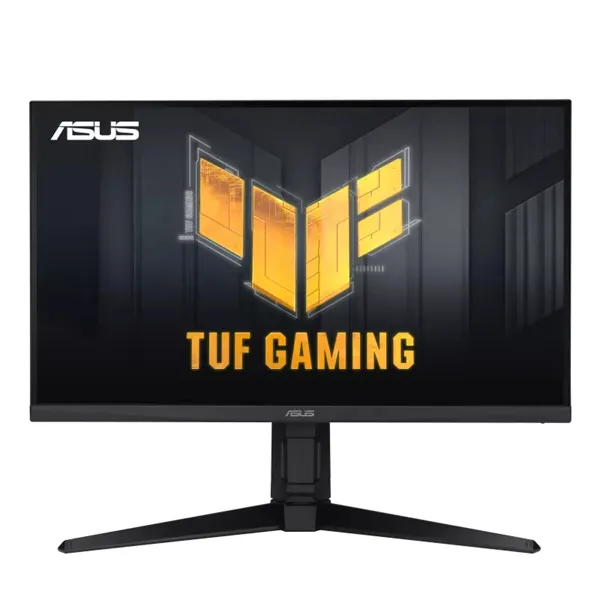
£363.99 incl. VATDHI-LM32- Gaming Monitor 32″
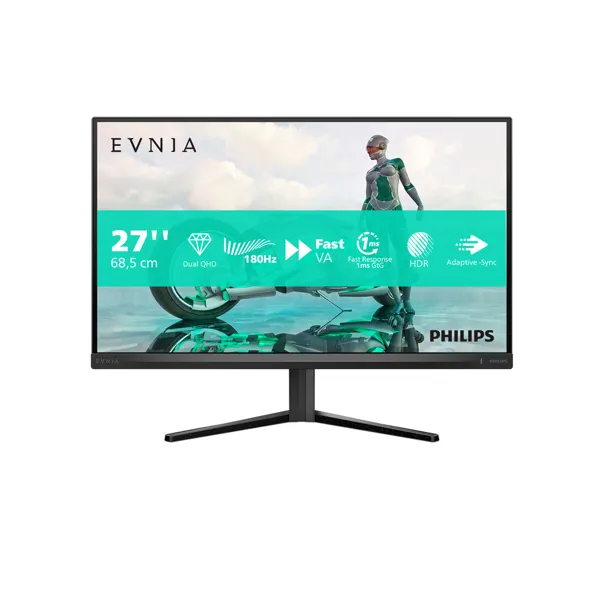
£819.99 incl. VATVA27ACFSN 27″ Quad HD Gaming Monitor
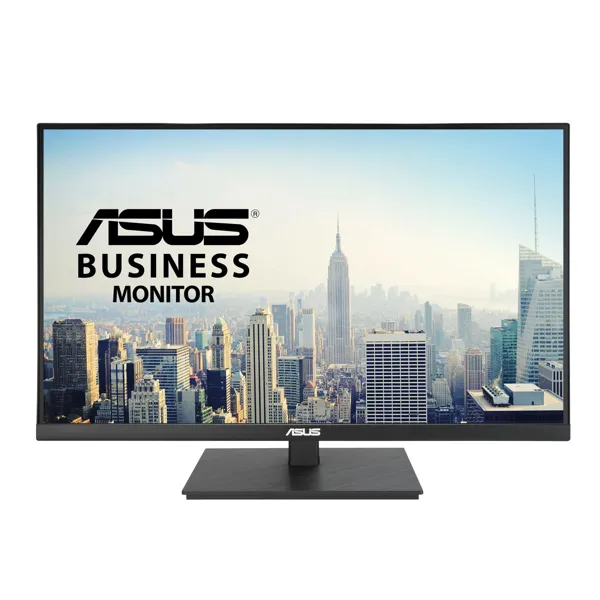
£599.99 incl. VAT27″ IPS Full HD Gaming Monitor
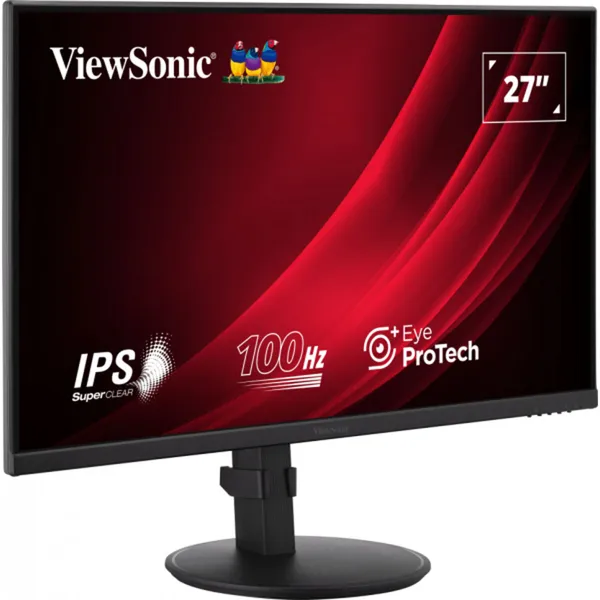
£330.99 incl. VATGaming Monitor 27″ Full HD

£348.99 incl. VAT2K-mhd-2 32″ QHD IPS Gaming Monitor
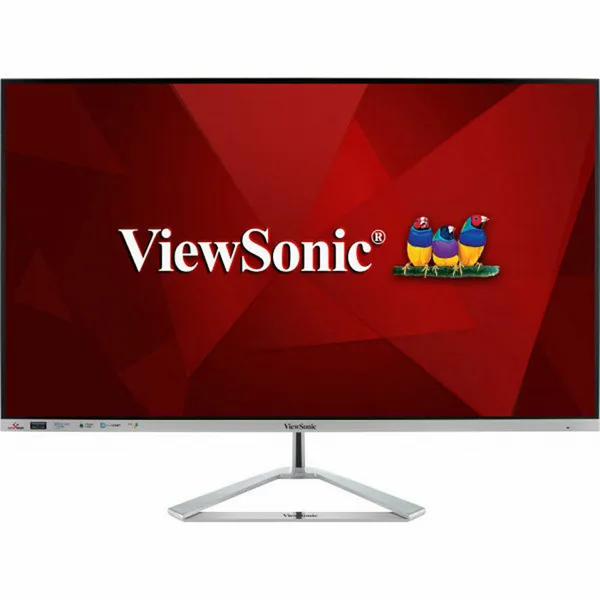
£451.99 incl. VATSLN- 32″ UHD 4K Gaming Monitor
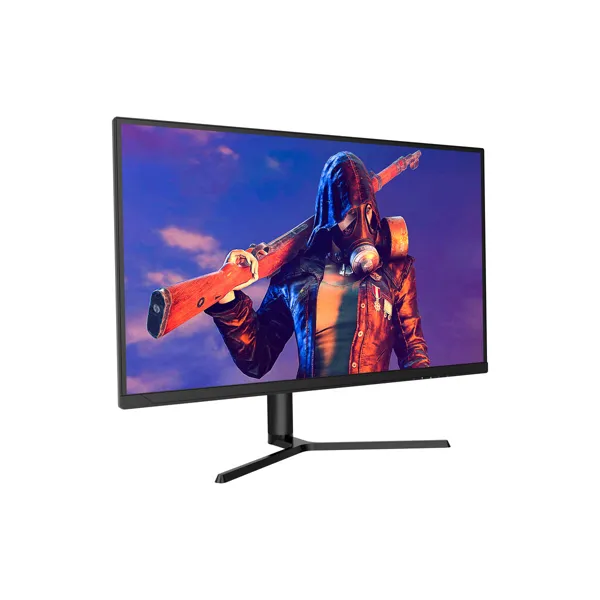
£551.99 incl. VATRelated types
How to choose
- Measure first and compare the stated dimensions, not the size name.
- Pay attention to the parts you touch every time, such as handles, edges or fastenings.
- Compare two or three close options side by side on the same points.
- Choose the material for how it feels, how much it weighs and how much care it needs.
Frequently asked questions
Which desk surface materials work best for mouse tracking?
Finely woven cloth, felt, and smooth faux leather pads track reliably under optical sensors and protect wooden desktops.
How can I judge the build of workstation monitors?
To judge workstation monitors, look at joins, seams, edges or fastenings: neat, even work and a consistent finish are good signs of careful making.
Can workstation monitors make a good gift?
Workstation monitors can make a good gift; choose a versatile size and a material that is easy to care for, and check the measurements if fit matters.